Accessing Help
Find help menus inside NDG Online courses and on the course dashboard.
Help and resources for NDG Online courses can be accessed through the course dashboard or from within the course itself.
1
In-Course Help

Select Help from the top menu on the right side within a chapter or lab to access frequently asked questions, submit feedback, or start a tour of the layout.
2
Course Dashboard Help
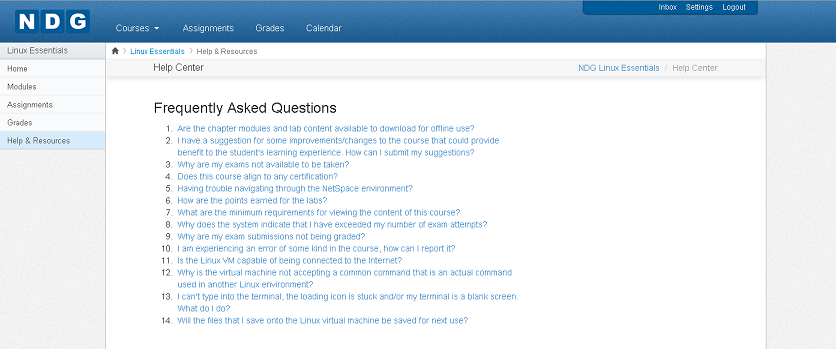
Select Help & Resources on the left sidebar of the Course Dashboard to access frequently asked questions and troubleshooting tips.