
Linux Unhatched
A free introduction to Linux. Learn basic command-line navigation, installation, and configuration in your browser.
NDG Linux courses open a live Linux machine beside the course text, from your first commands to LPIC-1 exam topics.
A free introduction to Linux. Learn basic command-line navigation, installation, and configuration in your browser.

Learn the fundamentals of the Linux operating system, command line, and open-source concepts. Aligned with the LPI Linux Essentials certification.

Build foundational Linux system administration skills: file management, package installation, user permissions, and basic networking. Aligned with LPI LPIC-1 (101-500) certification objectives.

Advance your Linux administration skills: shell scripting, system services, networking fundamentals, and security. Aligned with LPI LPIC-1 (102-500) certification objectives.
Red Hat Academy member? The RHEL System Administration labs are on the Red Hat Academy page.
Each course builds on the one before it. Three of them align with Linux Professional Institute (LPI) certification exams.
Already work at the command line? Start at Introduction to Linux 1. The certifications are awarded by the Linux Professional Institute.
The course text sits on the left and an Ubuntu virtual machine on the right. Type the commands as you read about them, with nothing to install or configure.
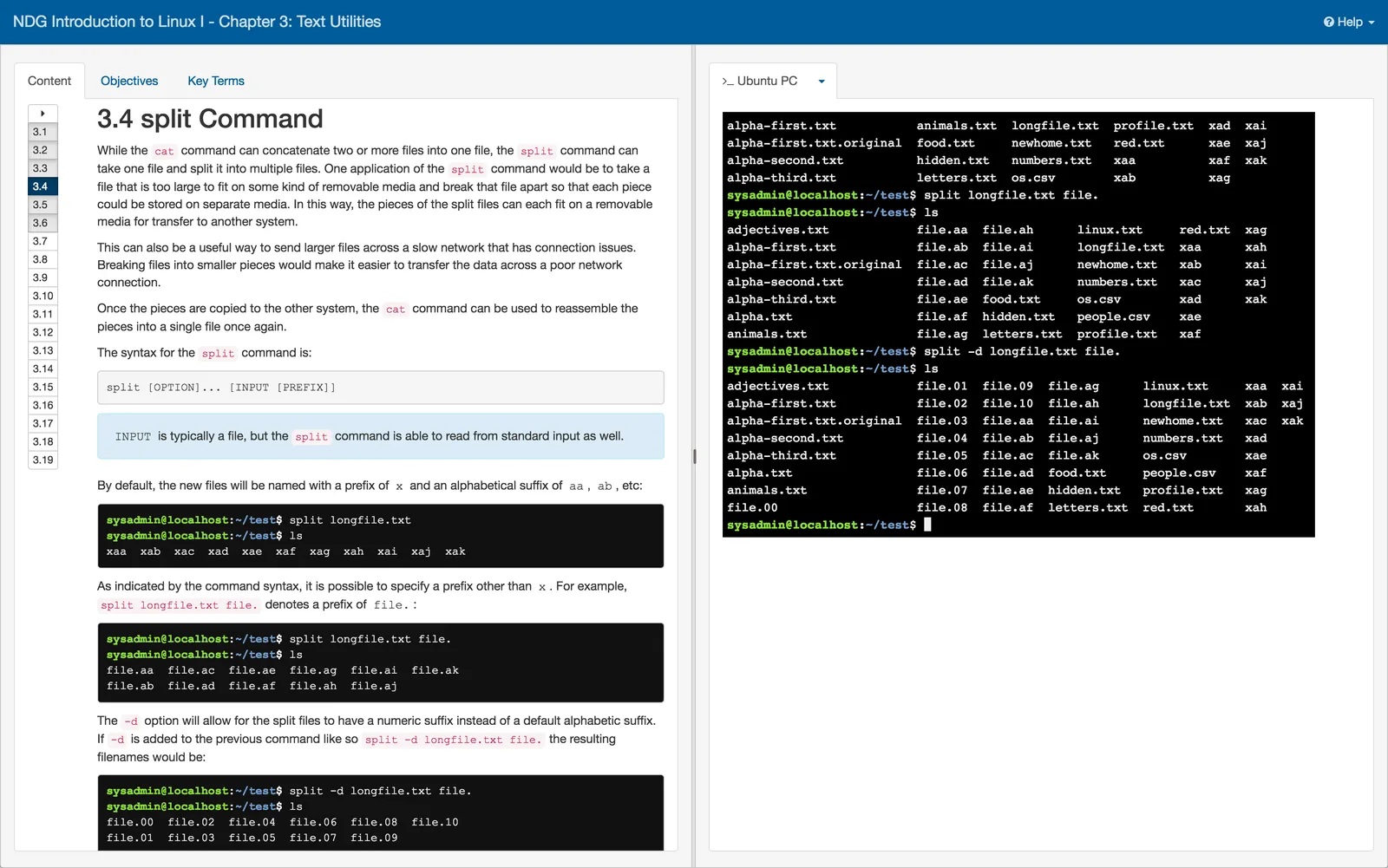
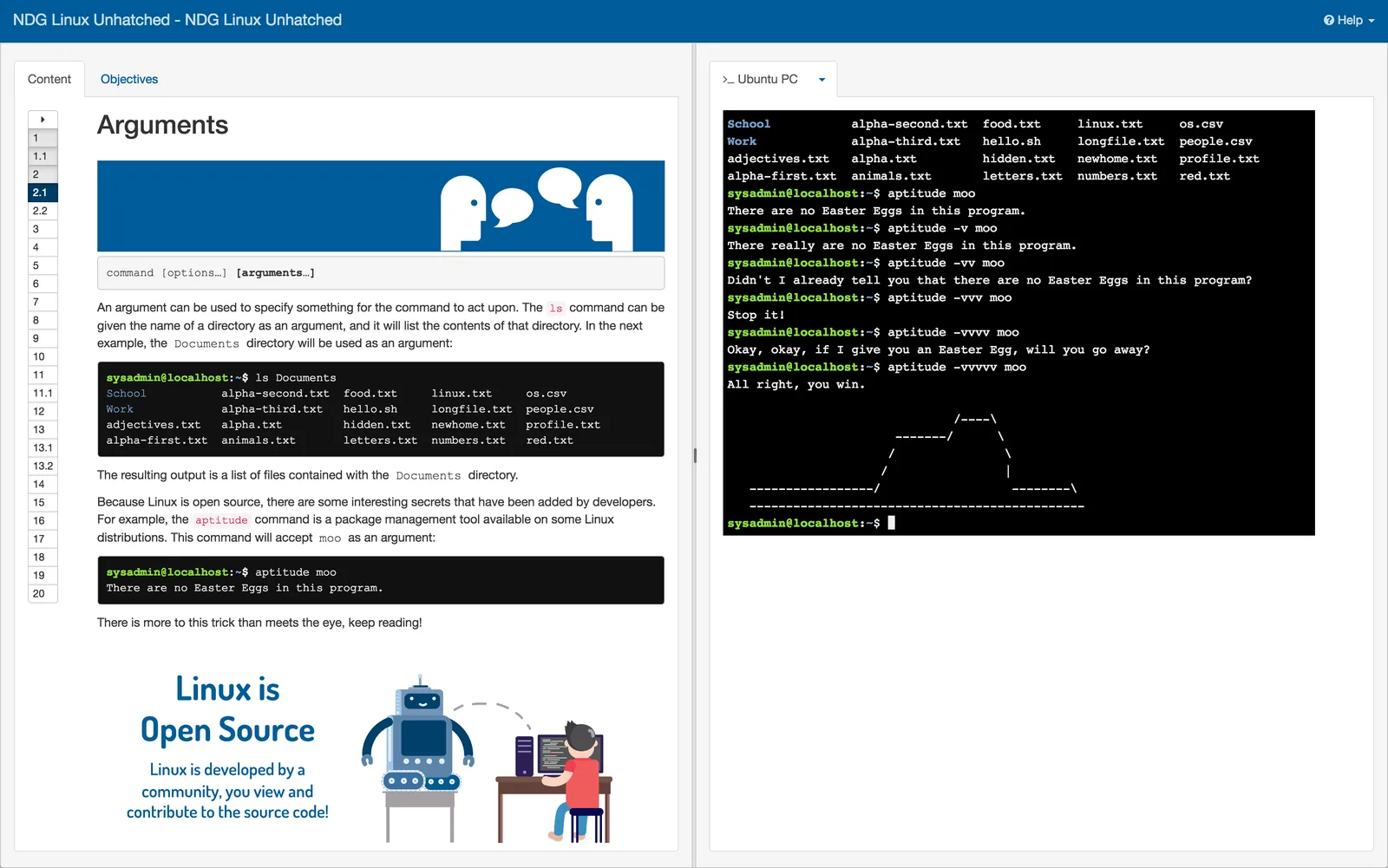
Chapters show each command with its syntax, options, and sample output.
An Ubuntu virtual machine runs next to the reading, so you practice each command where you read about it.
Quizzes inside the course check what you have covered so far.
How a college, a hosting company, a university, and a teacher used NDG Linux courses.
No. Each course runs a Linux virtual machine in your browser, next to the course text. There is no distribution to download and no virtual machine to set up.
If you are new to Linux, start with Linux Unhatched, a free 8-hour introduction to the command line, then take Linux Essentials. If you already work at the command line, start with Introduction to Linux 1.
Linux Essentials aligns with the LPI Linux Essentials (010-160) exam. Introduction to Linux 1 and 2 align with the two LPIC-1 exams, 101-500 and 102-500. The certifications themselves are awarded by the Linux Professional Institute.
Yes. Verified educators get free evaluation access to NDG Online, create classes, and track learner progress. Courses connect to any LTI 1.x-compliant LMS with grade passback.