Create an NDG Online account
Most learners create their NDG Online account while enrolling in a class: if you don't have an account yet, the enrollment page asks for one. See Enroll in a class and purchase access.
Create your account
Logging in and creating an account start the same way: enter your email address and select Continue. If the address has no account yet, NDG Online says so and asks you to create one. If you already have an account under another address, select Change and enter that address instead.
Enter your full name and a password of at least 15 characters; a count under the field shows how many you have typed. A passphrase of several words is easiest to remember. Select Show to check what you typed.
Enter your complete name with correct capitalization, and leave out titles such as Dr. or Mr. You cannot change your name after you create your account. It appears on your purchases, badges, and support tickets, and to the instructors and learners in your classes.
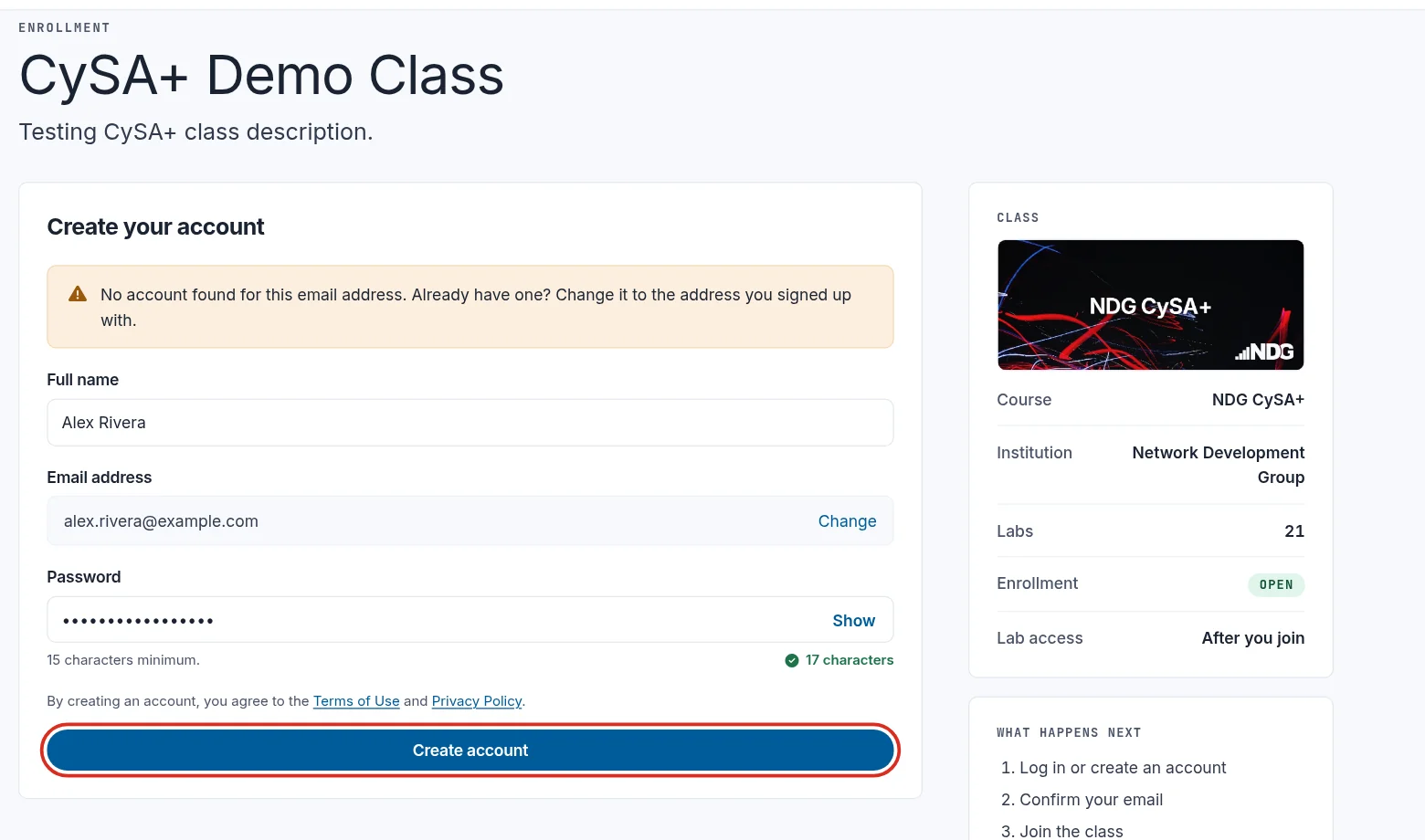
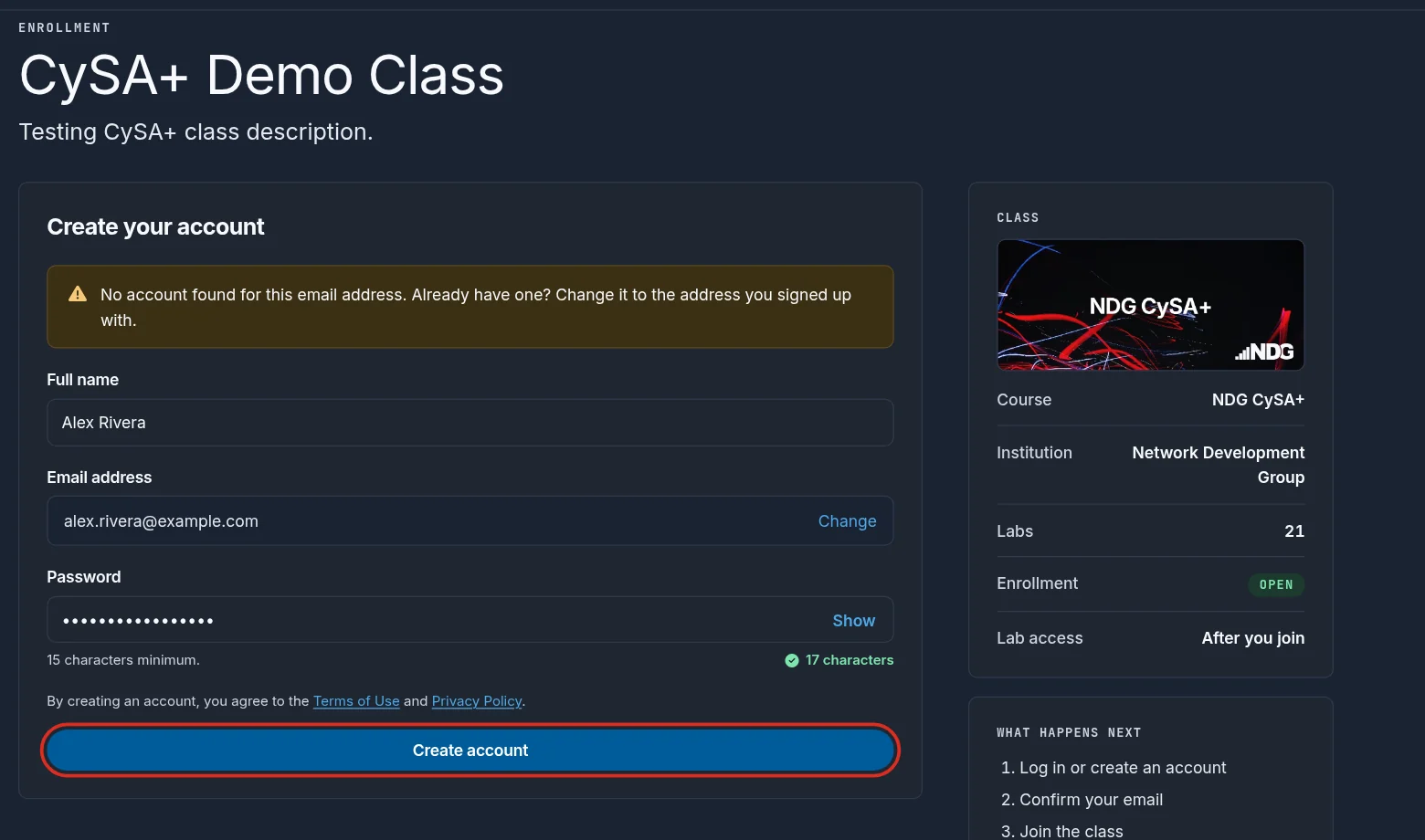
Selecting Create account agrees to the Terms of Use and Privacy Policy linked above the button.
Verify your email address
Right after you create your account, Check your email asks for the verification key we email you from no-reply@netdevgroup.com. Enter it and select Verify. The email also has a link: open it and select Verify on the Verify your email address page. If the email doesn't arrive, check your spam folder, then select Resend email.
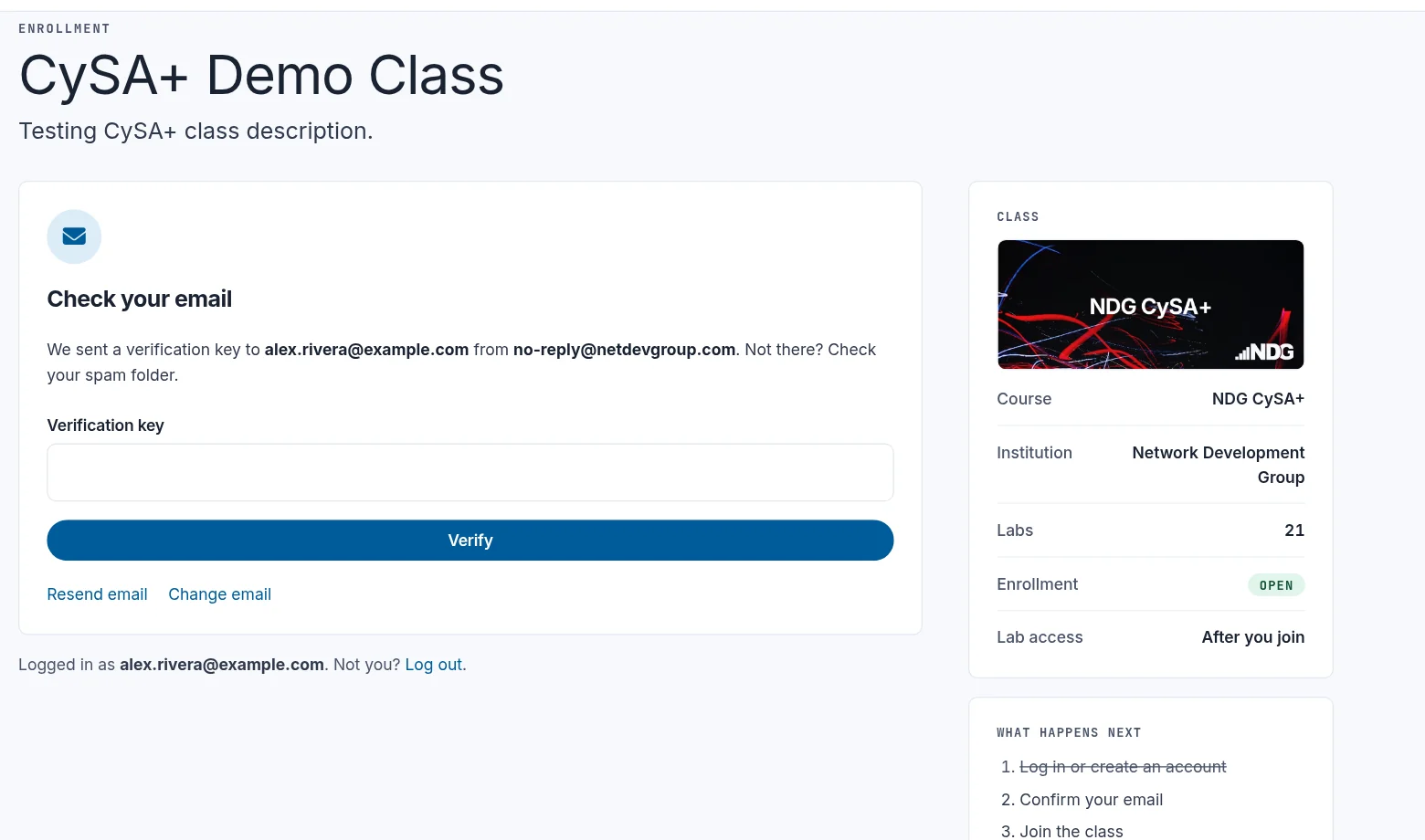
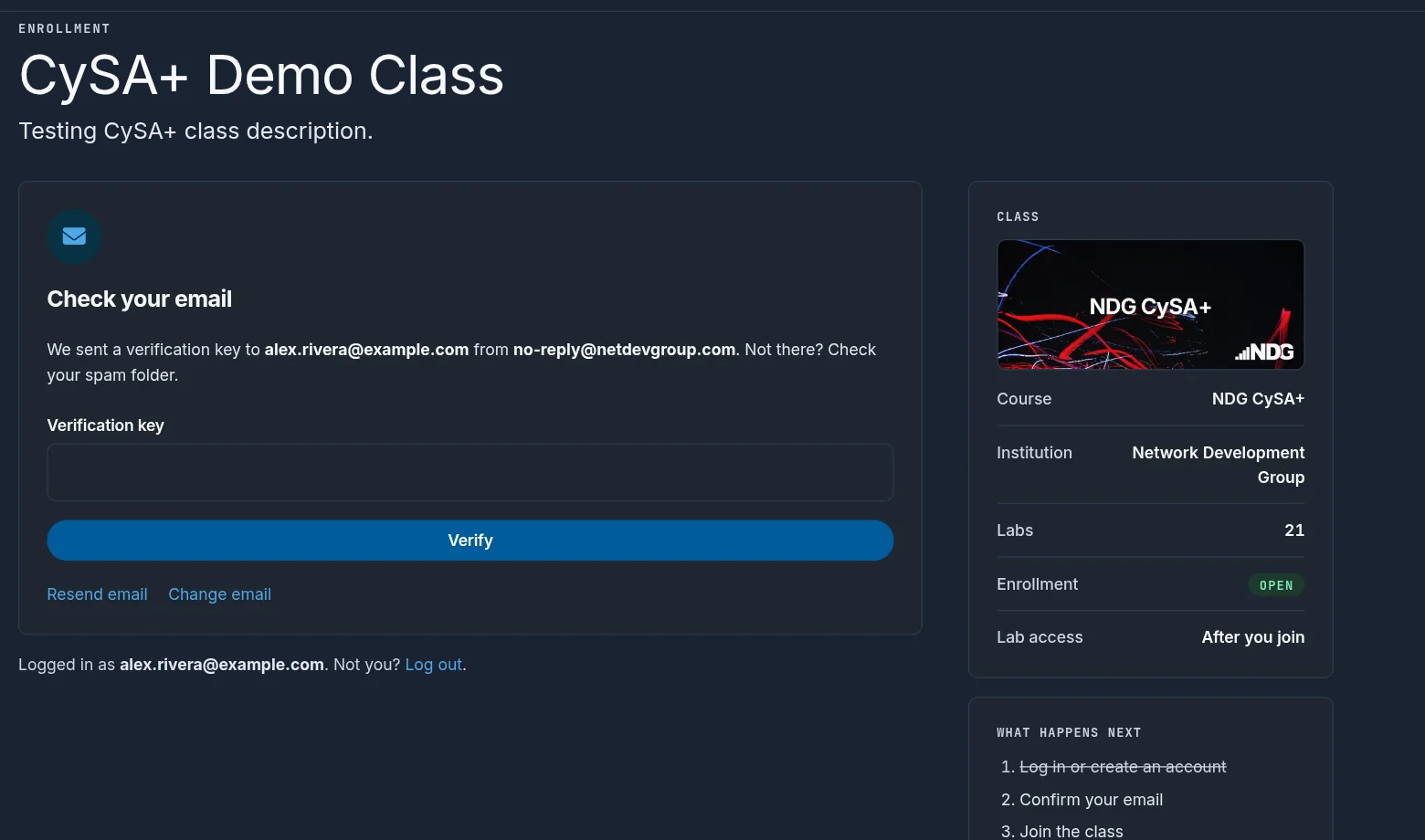
Mistyped your address? Select Change email, enter the right one, and select Send verification key. The new address replaces the mistyped one on the same account.
Some courses and labs require a verified academic email address. See Verify and manage email addresses.
Still need help?
In NDG Online, select Help to ask the Help assistant or open a ticket. Taking labs in a class? Ask your instructor first.