Reservations and time remaining
What a reservation is
Opening a lab creates a reservation: a set of virtual machines held for you, always starting in their default state. When the reservation ends, by running out of time or because you end it, the machines reset and go back to the pool for the next person.
A reservation usually lasts one hour. Some labs set shorter or longer times. The time left counts down the current reservation only; it doesn't limit your overall access. You can start as many reservations as you like and repeat a lab as often as you want. With extensions, most labs allow up to 4 hours in a row, and some allow more.
When a reservation ends, everything you did in it is lost. The machines return to their default state, and there is no way to save progress for a later reservation.
Request more time
In the NDG Online lab view, your time left shows on Session at the bottom of the rail on the left. It turns amber with 15 minutes left and red with 5. Select it to open the session panel. In the last 15 minutes, the panel shows Extend 30 minutes: select it to add time. Most labs allow three extensions. When the time runs out, the reservation ends.
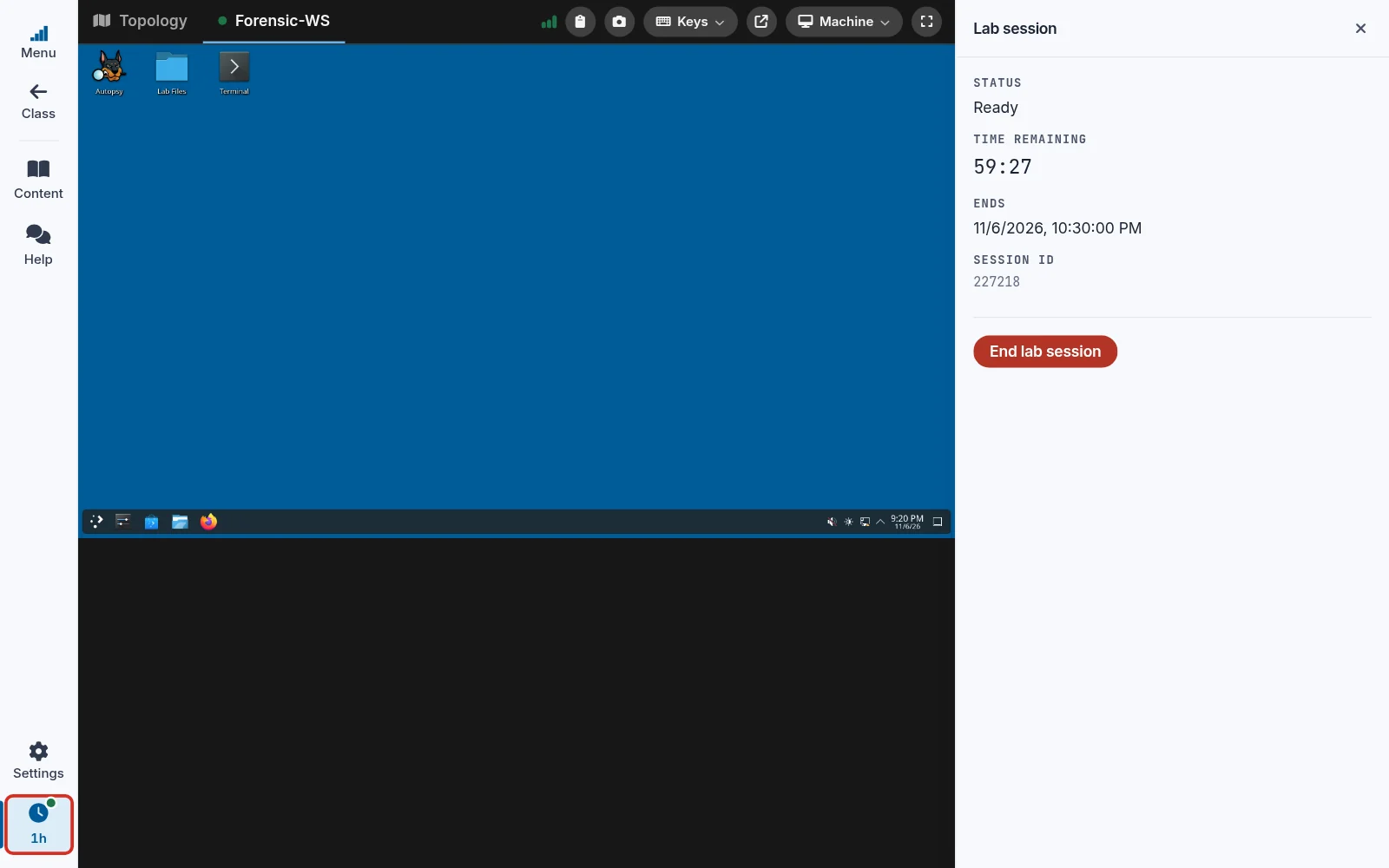
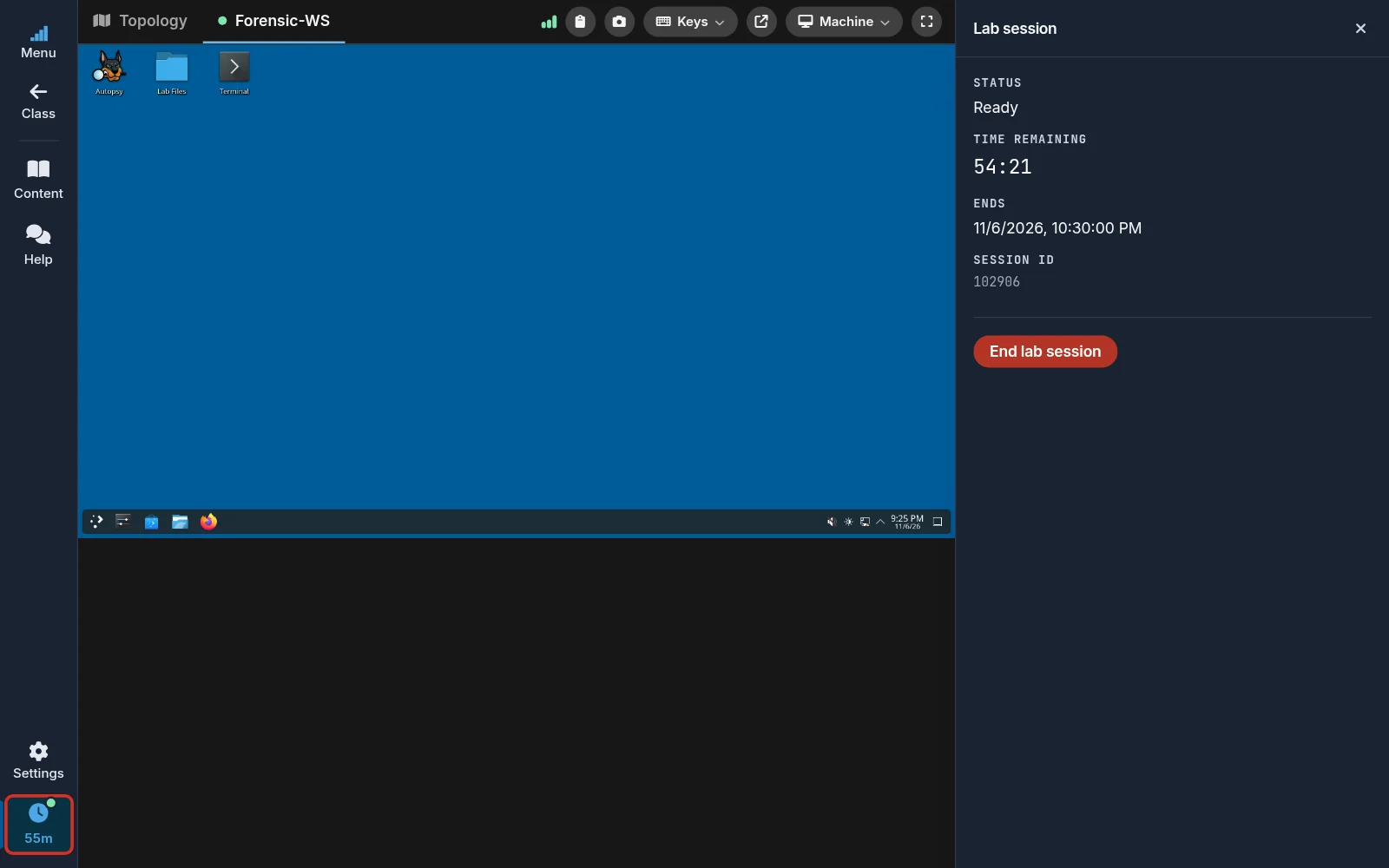
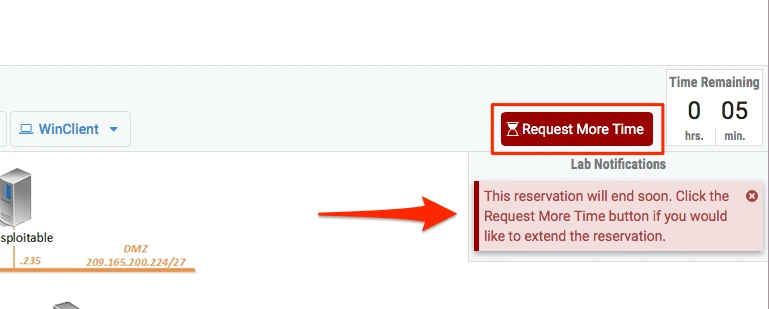
In labs with Topology, Content, and Status tabs, a warning appears at the top right of the lab when 15 minutes or less remain, with a Request More Time button. Select it to extend the reservation.
End a reservation
In the lab view, select Session on the rail, then End lab session in the session panel. Confirm with End lab session; Cancel keeps the lab running.
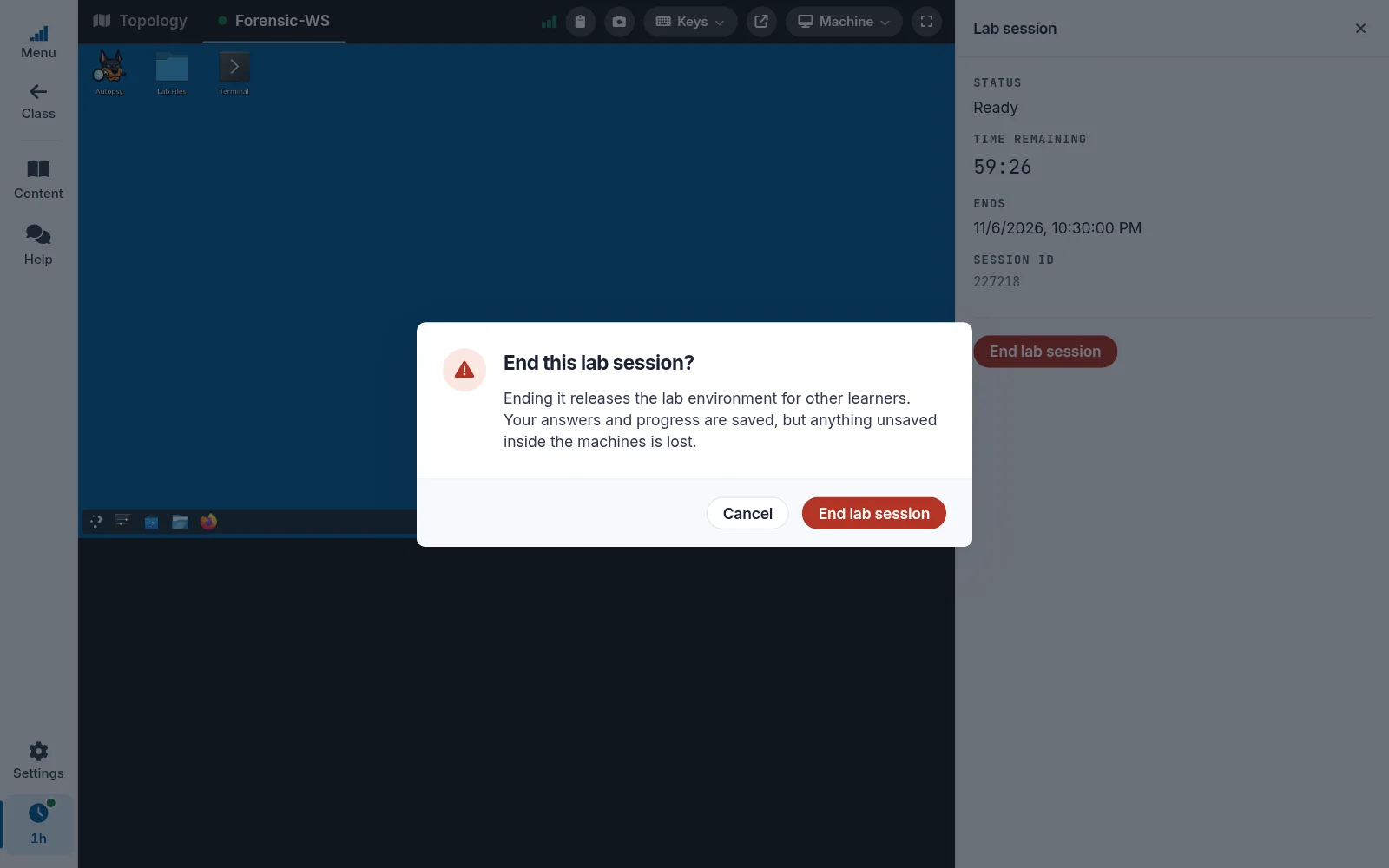
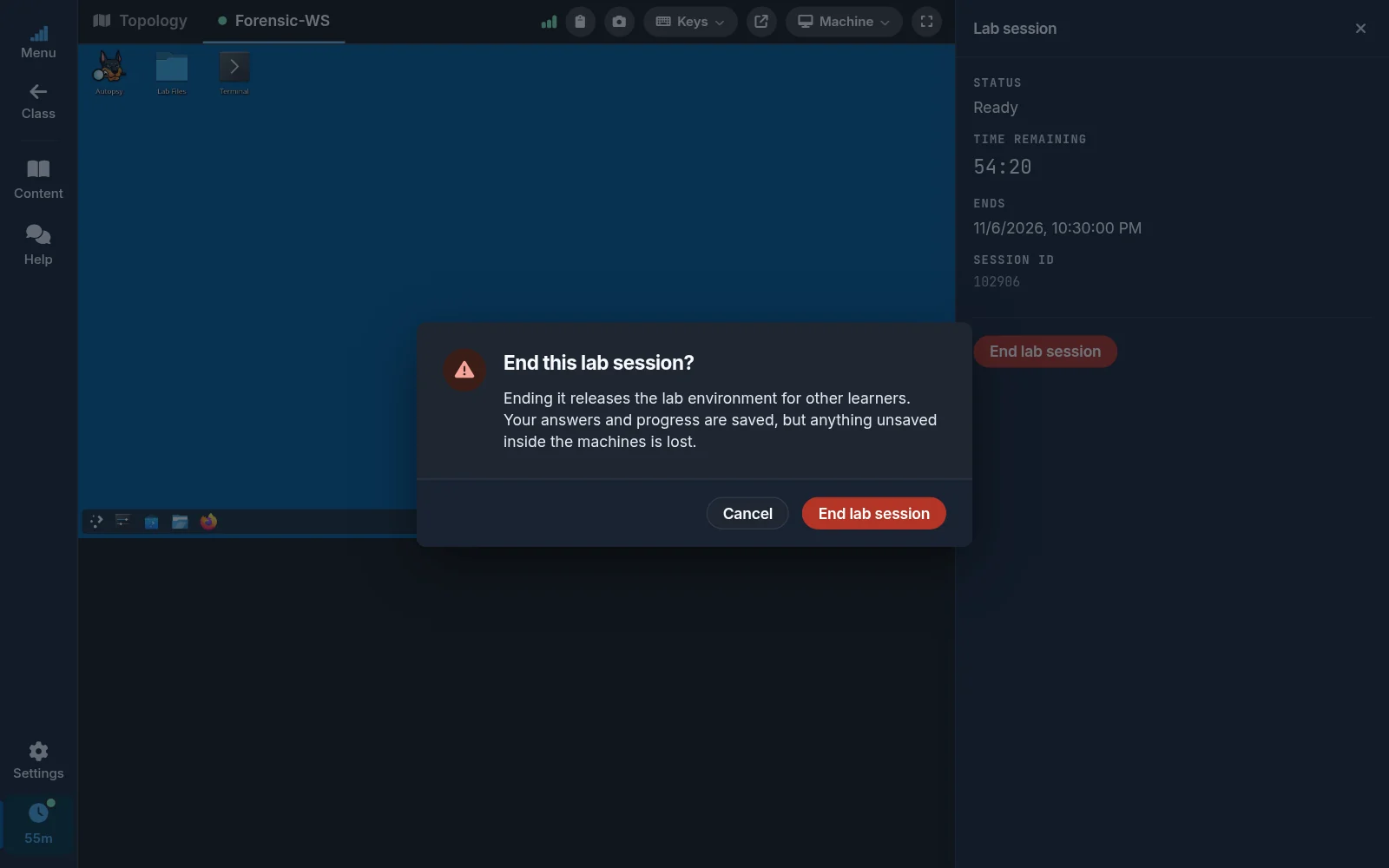
When the session ends, by your choice or because the time ran out, the Lab session ended dialog appears. Back to class returns to your class's outline, where you can open this lab again with fresh virtual machines or open a different lab. Keep reading closes the dialog and leaves the lab guide open.
In labs with Topology, Content, and Status tabs, select End lab session at the top right of the lab screen, then confirm.
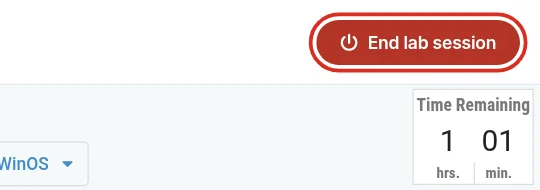
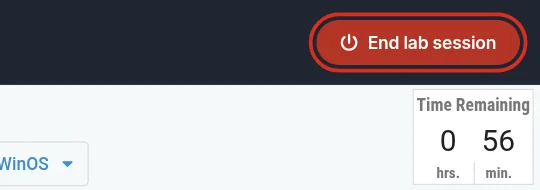
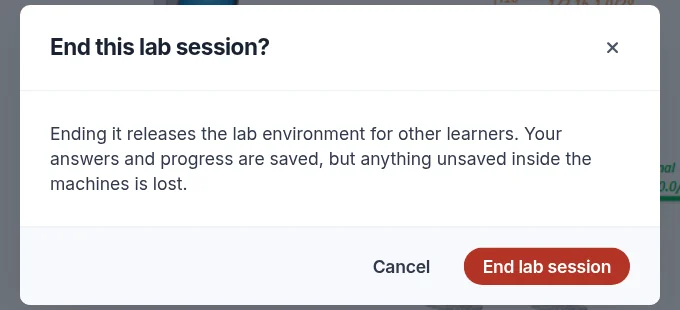
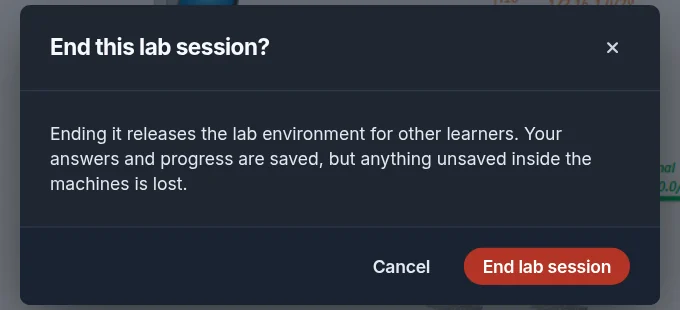
You return to your class's outline. From there you can open a different lab, or start the same lab again with fresh virtual machines, which is the way to recover from a mistake.
Open another lab while one is running
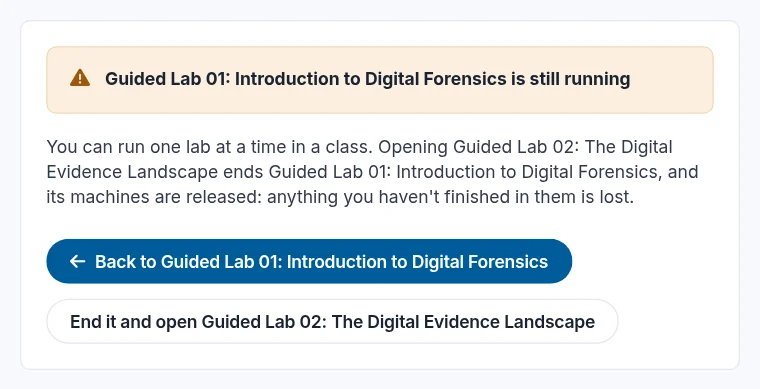
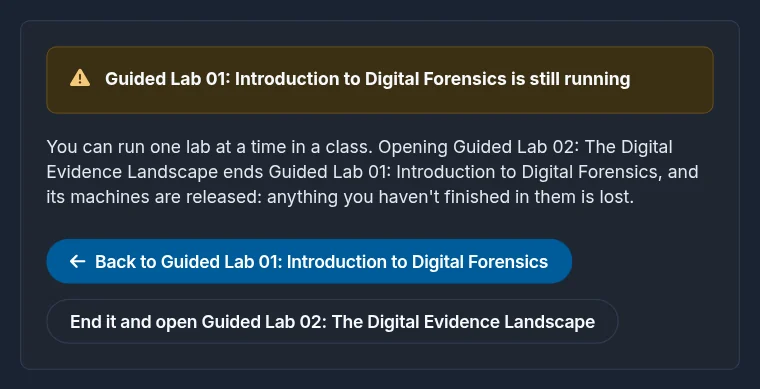
You can have one reservation at a time in a class. If a lab is still running when you open a different lab in the same class, NDG Online asks first. Back to returns to the running lab. End it and open ends the running lab's reservation and starts the new one; anything you haven't finished in the first lab is lost.
Still need help?
In NDG Online, select Help to ask the Help assistant or open a ticket. Taking labs in a class? Ask your instructor first.