Apply for instructor access
Instructor access to NDG Online lets you evaluate every NDG Online course and lab, create instructor-led classes, and connect NDG Online content to your learning management system.
Instructor access has nothing to do with NETLAB+. NDG Online and an on-premises NETLAB+ system are separate and share no accounts.
Who qualifies
- Instructors at a degree-granting, government-accredited academic institution.
- For partner content, membership in that program, such as the Red Hat Academy or the Palo Alto Networks Cybersecurity Academy.
- An email address your school issued to you, usually ending in .edu or your country's equivalent. Free addresses such as Gmail aren't accepted, and neither are shared addresses, such as one for a whole department.
Several instructors at one school can each apply, and we encourage it. Learners should never request instructor access or be given links to Teach in NDG Online.
Apply
Create an NDG Online account and verify your school email address.
Open Teach in NDG Online. On the Get Started page, select Join or register an institution.
Select Search. NDG Online looks for an institution registered with the domain of your verified email addresses.
- It finds your institution: select Ask to join. The request goes to your institution's administrator in NDG Online.
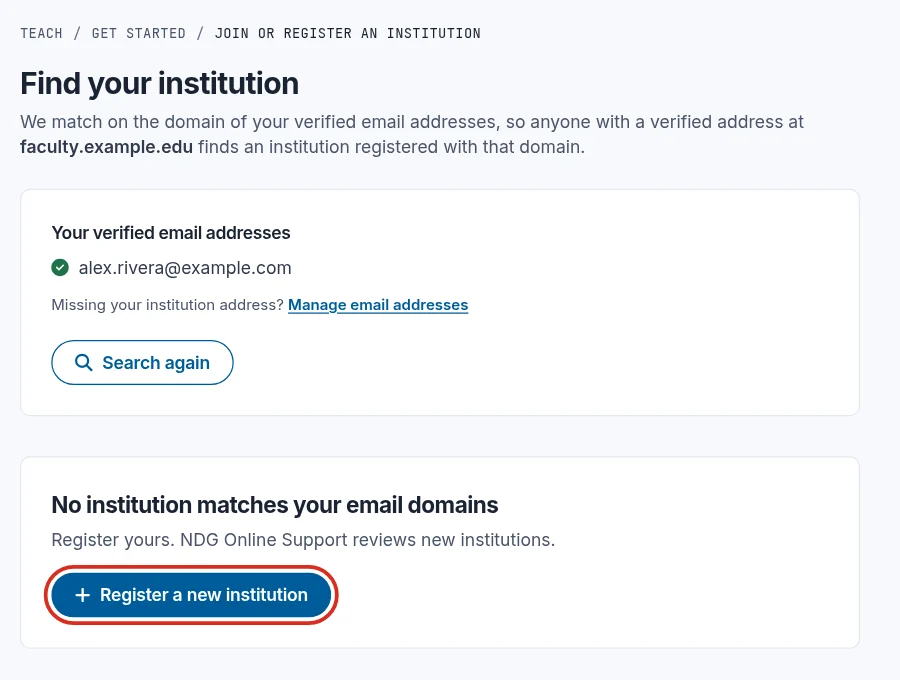
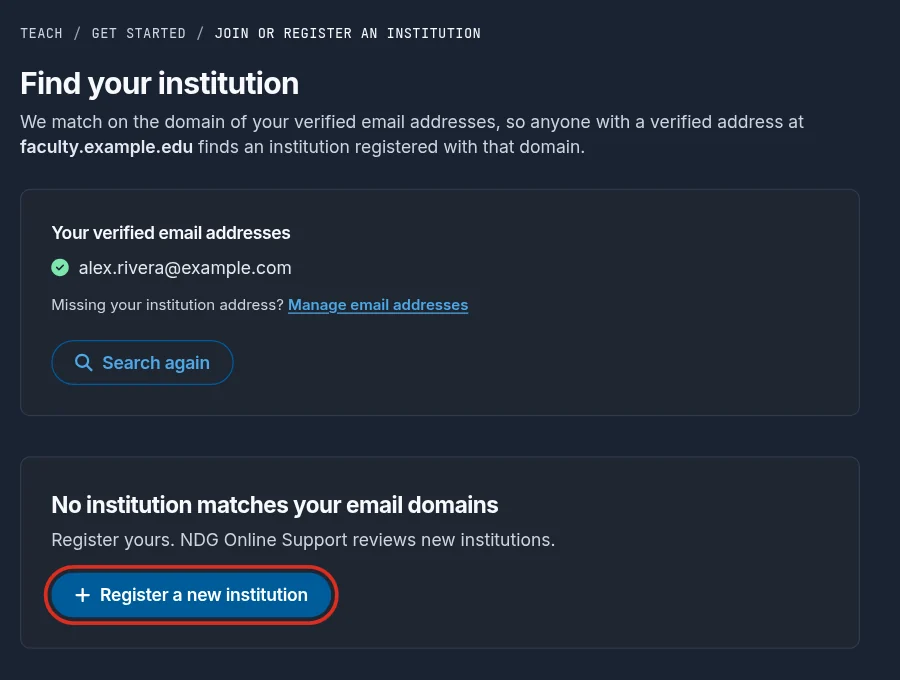
- It finds none: select Register a new institution.
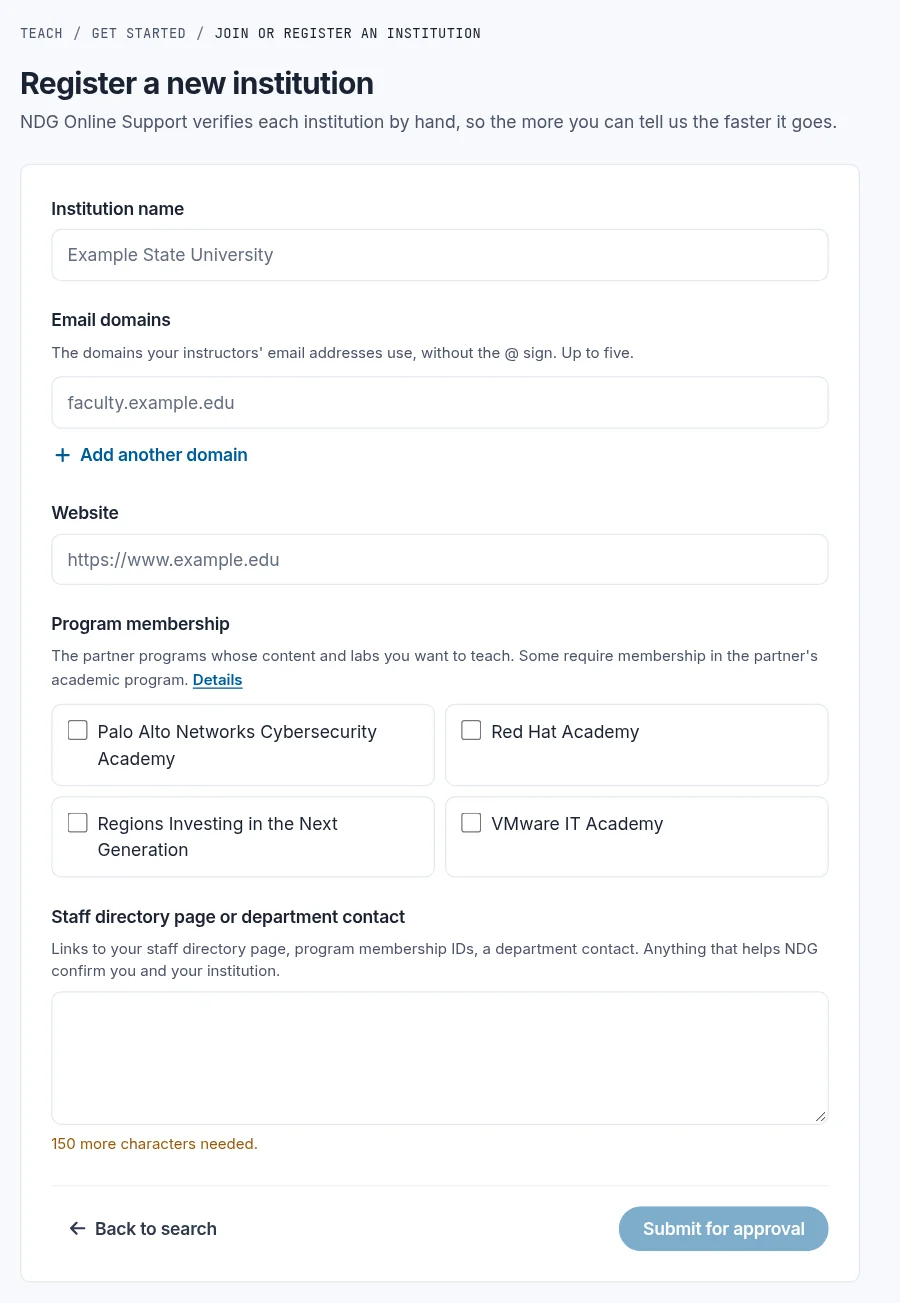
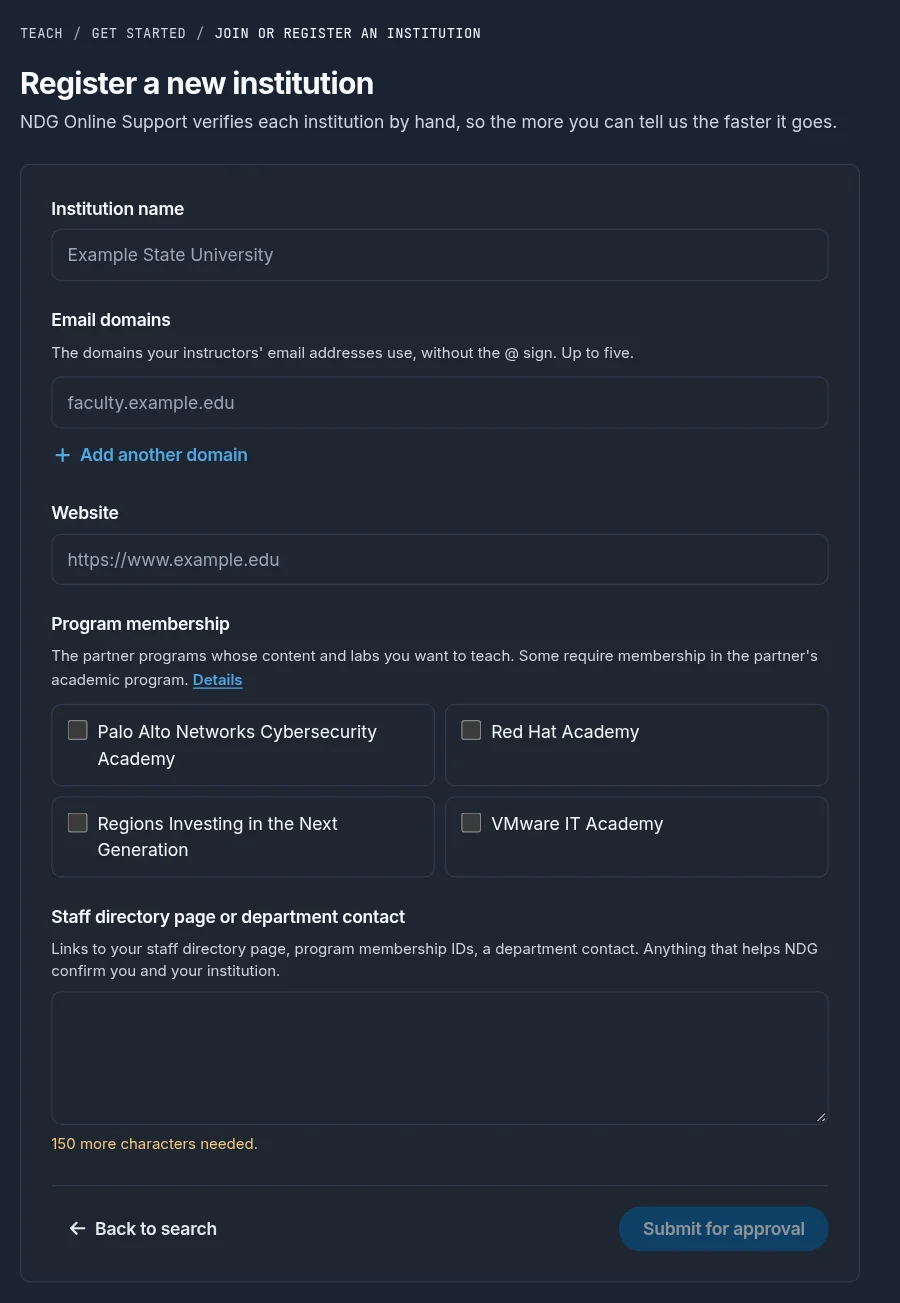
To register an institution, enter its name, the email domains its instructors use, its website, and the partner programs you teach. Under Staff directory page or department contact, give the details described below, at least 150 characters, then select Submit for approval.
NDG Online support checks the details you gave and emails you the outcome and any next steps. Once your institution is approved, you can create classes in Teach.
Verification details
Most delays come from the verification details. Give NDG information it can check independently, such as:
- A staff directory listing for you on your school's website
- Program ID numbers for the partner programs you selected
Verification must come from your school or the partner program (Palo Alto Networks or Red Hat). A description of yourself or your school is not enough. These can't be used:
- LinkedIn profiles
- Email signatures
- Cisco Networking Academy instructor status
- Emails from other people at your school whose roles can't be verified
- Any other source not directly part of your school
Questions about instructor access? Contact NDG Online support.
Still need help?
In NDG Online, select Help to ask the Help assistant or open a ticket. Taking labs in a class? Ask your instructor first.