Create an instructor-led class in NDG Online
An instructor-led class in NDG Online gives your learners one enrollment URL and lets you see their activity, with no learning management system (LMS) needed. To use an LMS instead, see Connect a learning management system.
You need approved instructor access. See Apply for instructor access.
Create the class
In the Teach menu at the top of the page, open My Classes and select Create a class. The Course Catalog opens, listing the courses your institution can teach.
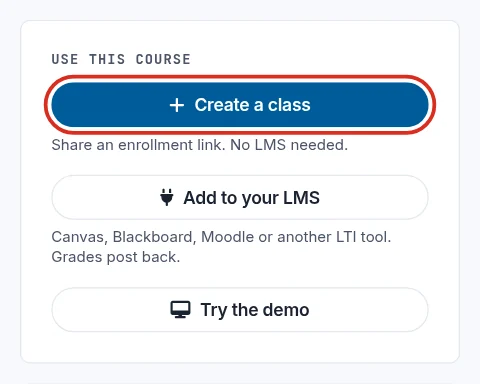
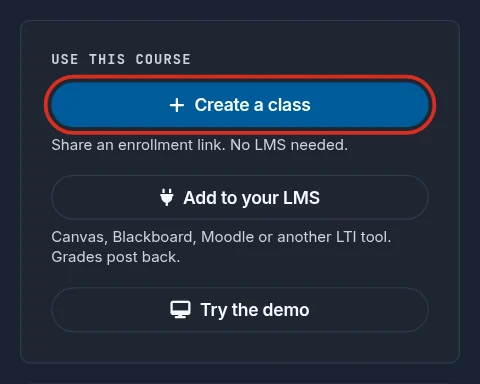
Select a course. Under Use this course, select Create a class.
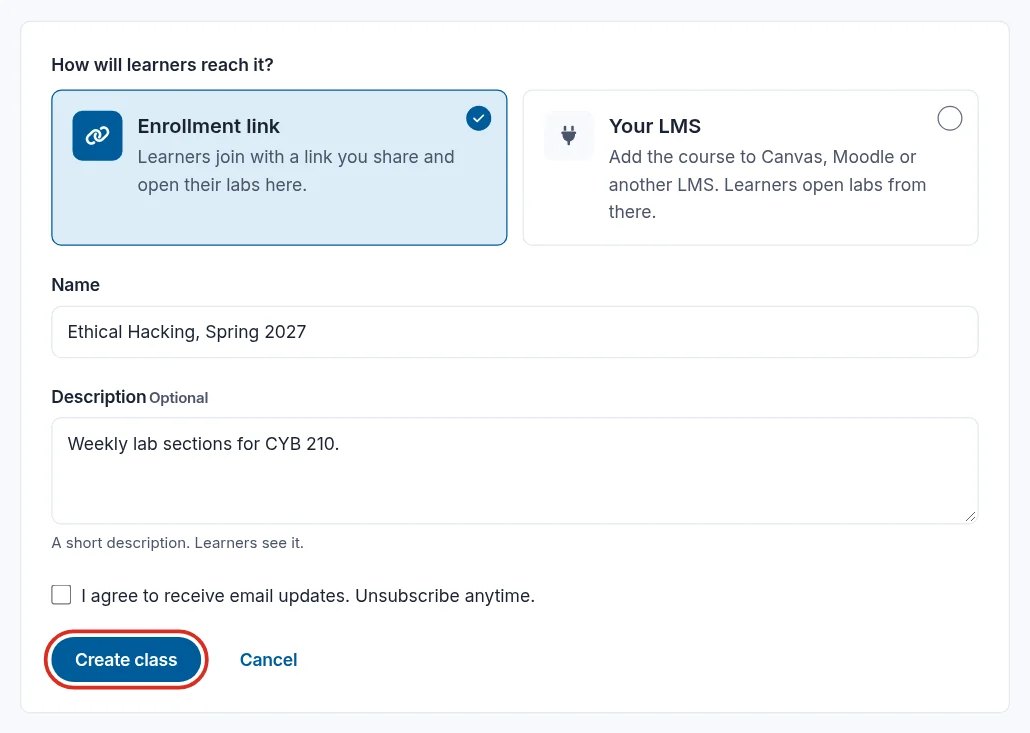
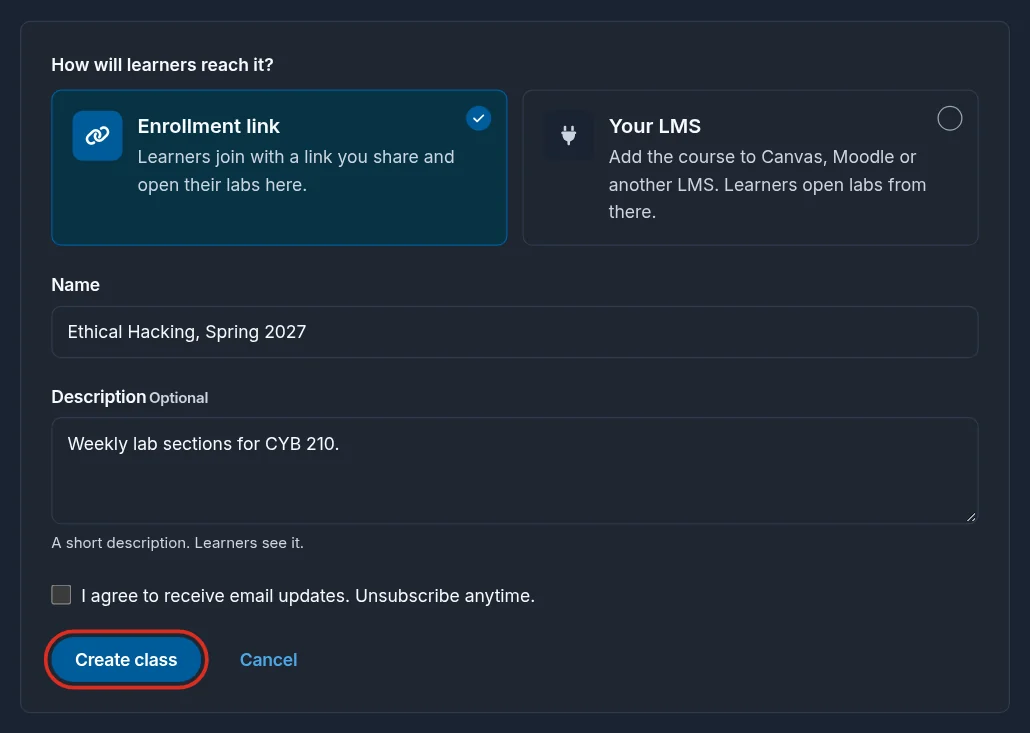
Under How will learners reach it?, Enrollment link is already chosen. Enter a name and, optionally, a description. Learners see both. Select Create class.
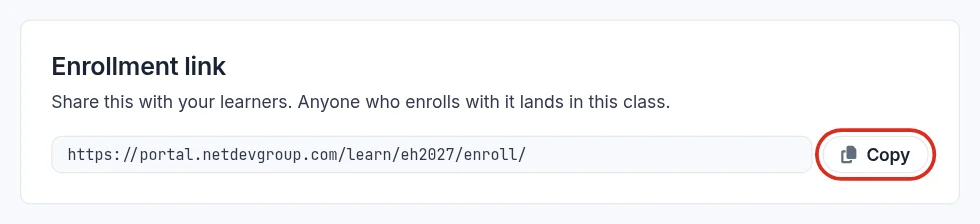
The new class opens with its own Enrollment link. Select Copy and share it with your learners: it enrolls them in this class only.
In the class rail on the left, History shows each learner's lab time and screenshots, and Gradebook their grades. If a learner grades a lab more than once, the gradebook shows their best score. A lab with no grade shows the learner's time in it instead, and counts as done at 5 minutes.
Still need help?
In NDG Online, select Help to ask the Help assistant or open a ticket. Taking labs in a class? Ask your instructor first.