Connect a learning management system (LMS)
NDG Online content can run inside your learning management system (LMS) as an external tool. NDG Online supports Canvas, Blackboard, and Moodle. Other systems may work, but NDG may not be able to support them.
You need approved instructor access at a degree-granting, government-accredited academic institution. See Apply for instructor access.
Connecting an LMS is an advanced option: it usually needs extra setup, LMS permissions, and testing. Set it up well before your class first needs it.
Set up the integration
In the Teach menu at the top of the page, open My Classes and select Create a class. The Course Catalog opens, listing the courses your institution can teach.
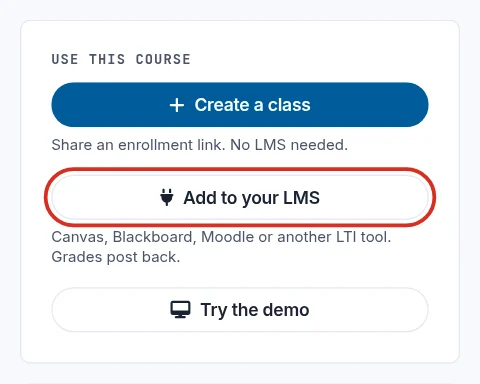
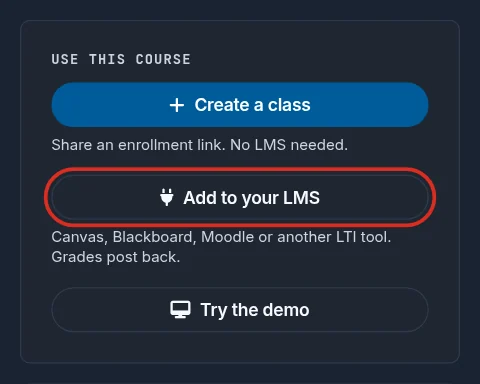
Select a course. Under Use this course, select Add to your LMS.
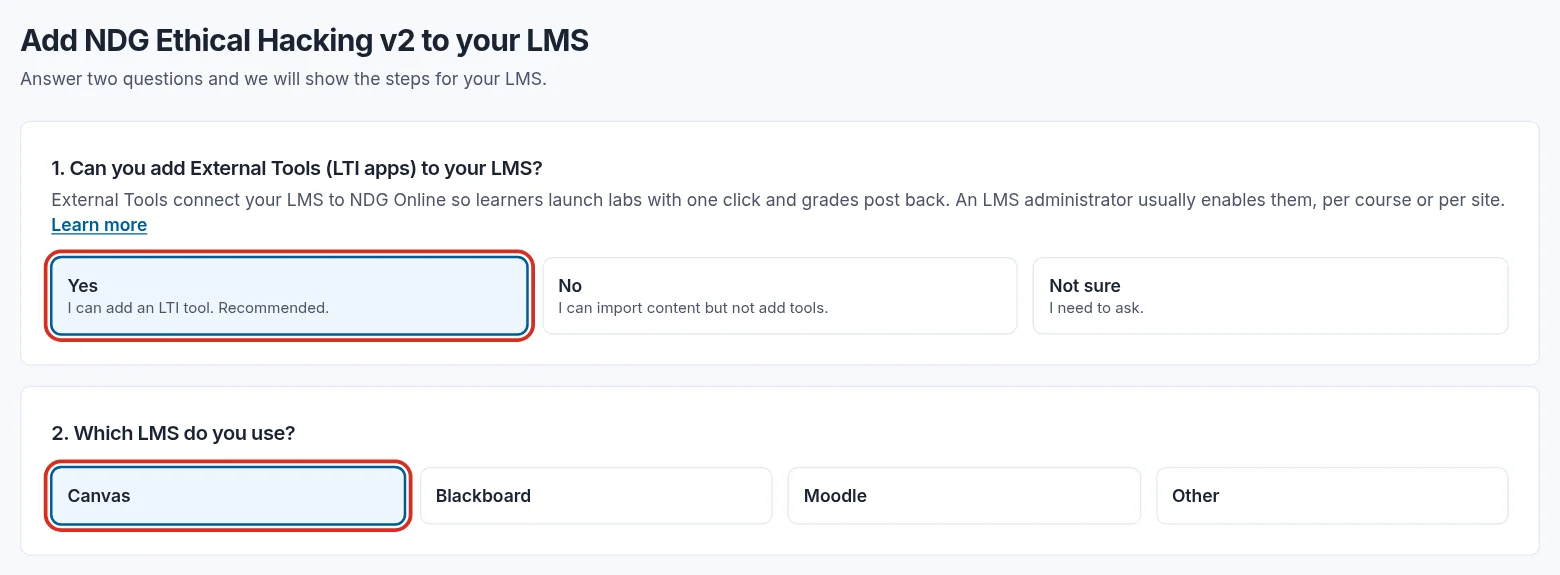
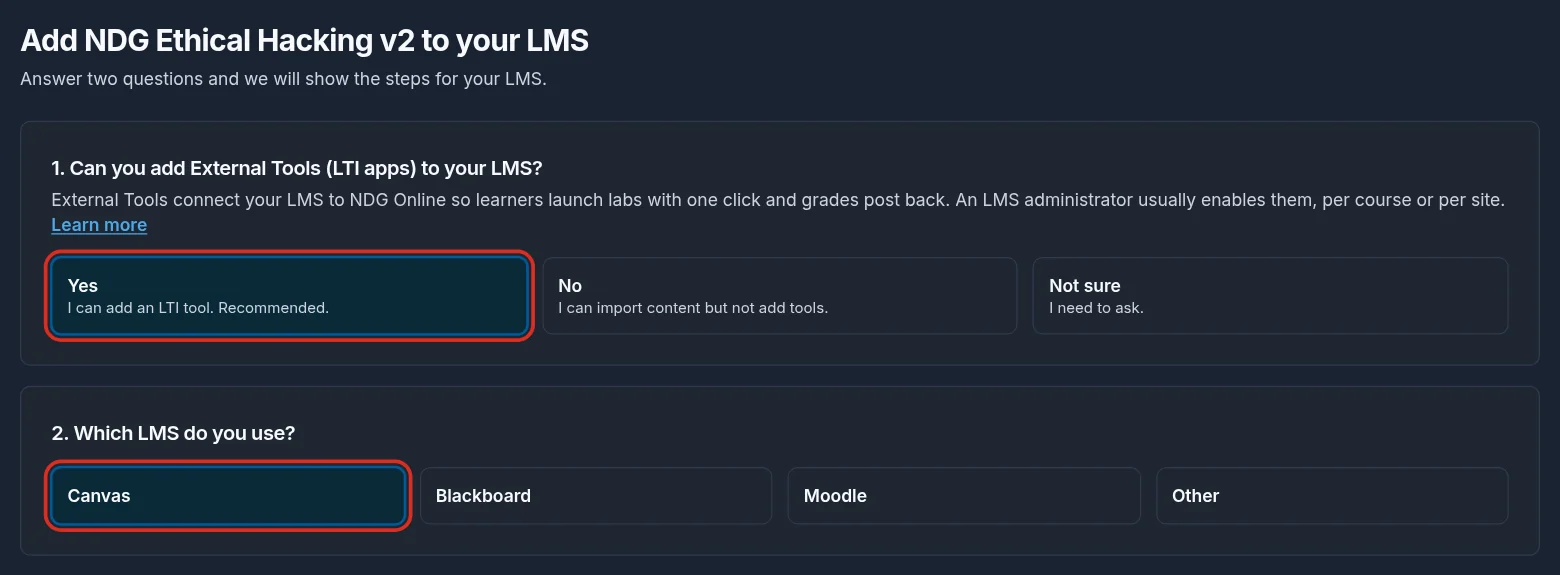
Answer whether you can add External Tools (LTI apps) to your LMS. Select Yes if you can. Select No if you can only import content, or Not sure if you need to ask your LMS administrator.
Choose your LMS. NDG Online shows the Common Cartridge file to import, your institution's LTI key and secret, and the setup steps for that LMS.
Treat the LTI secret like a password: anyone who has it can launch labs as your institution.
Still need help?
In NDG Online, select Help to ask the Help assistant or open a ticket. Taking labs in a class? Ask your instructor first.