End or rejoin a class
End a class when you have finished it, or when you are not going to finish it. Ending a class moves it off your current classes. You can still look back at it, and you can rejoin it at any time.
End a class
Open the class and select About in the class rail on the left. Under You, select End this class.
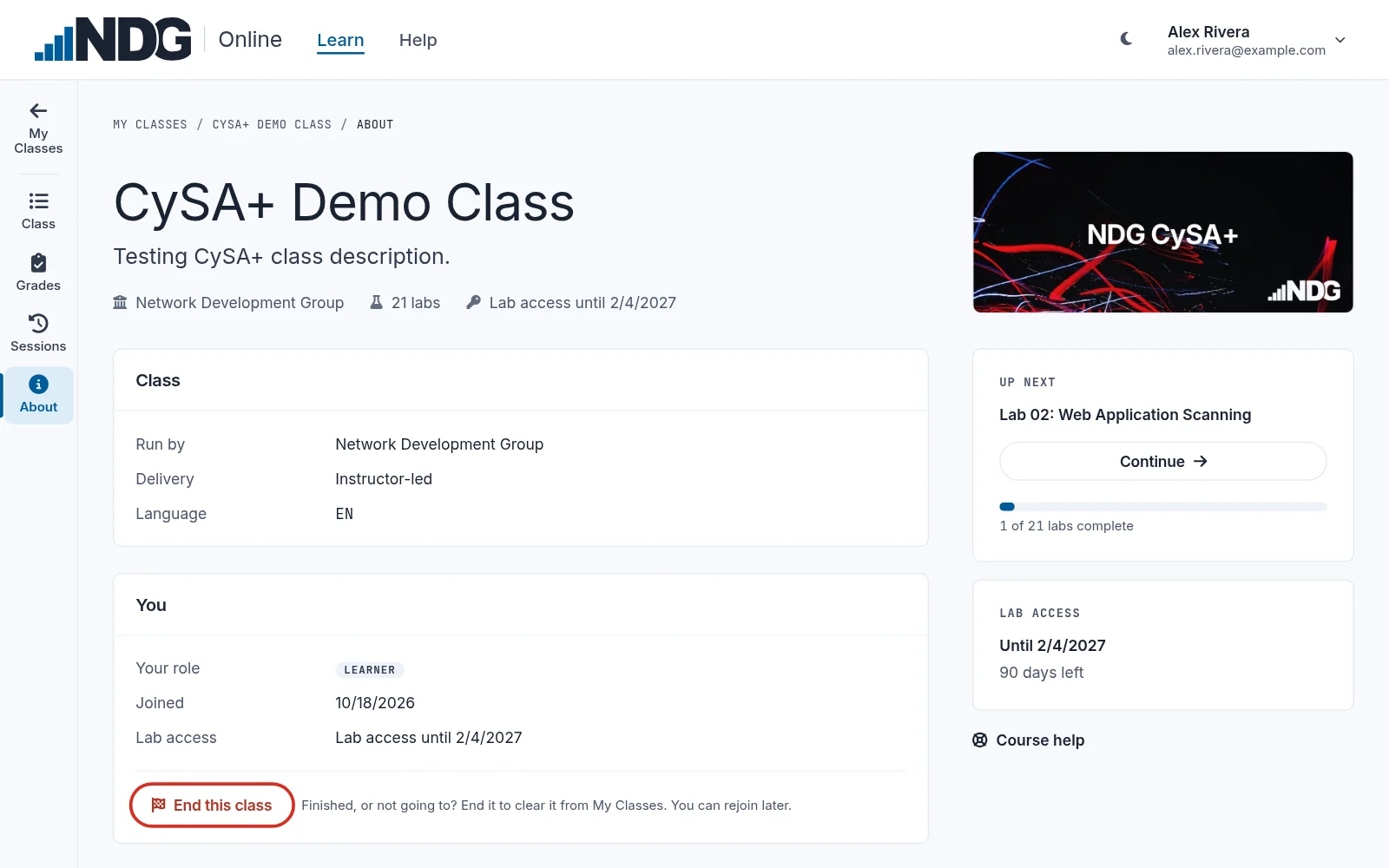
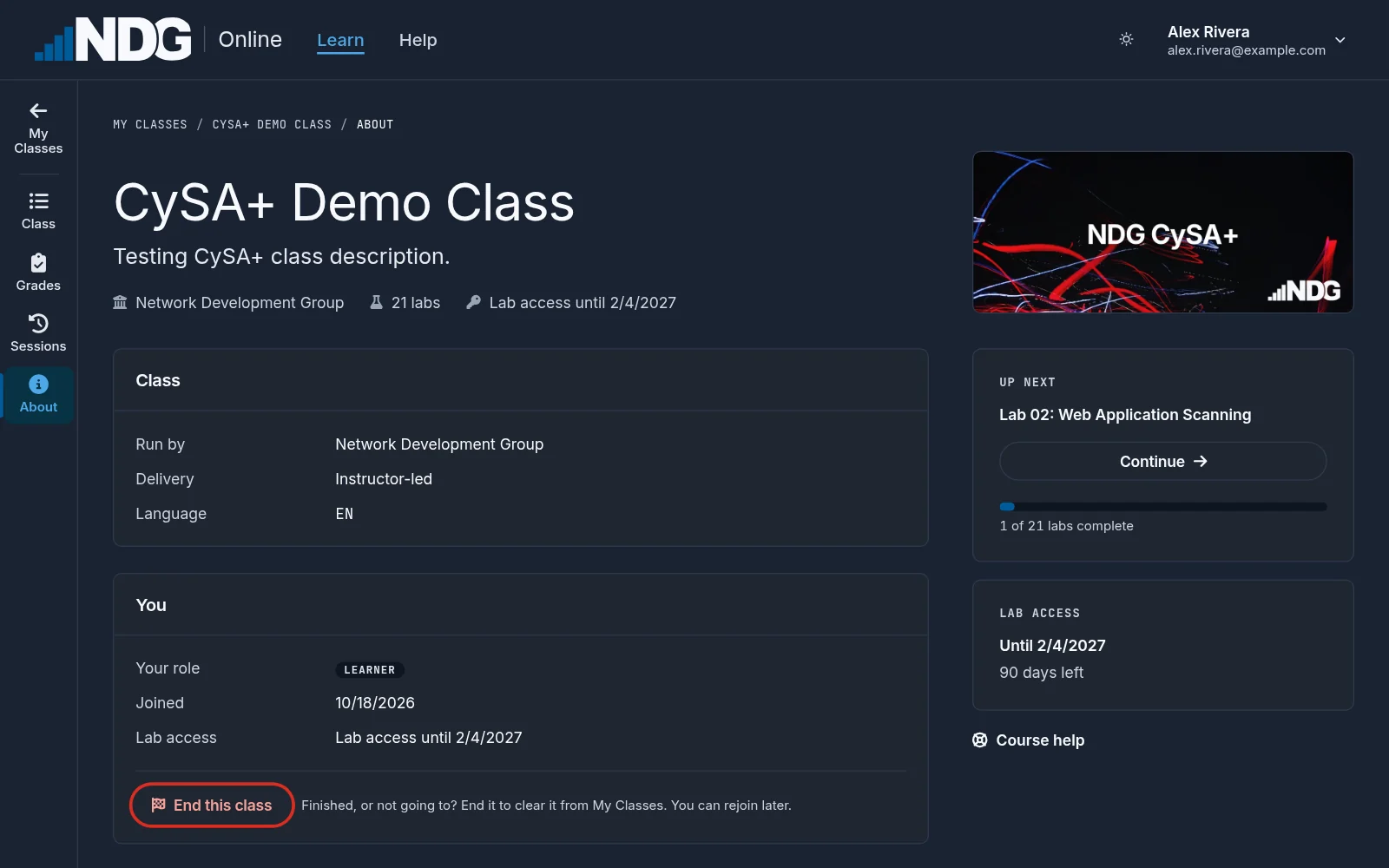
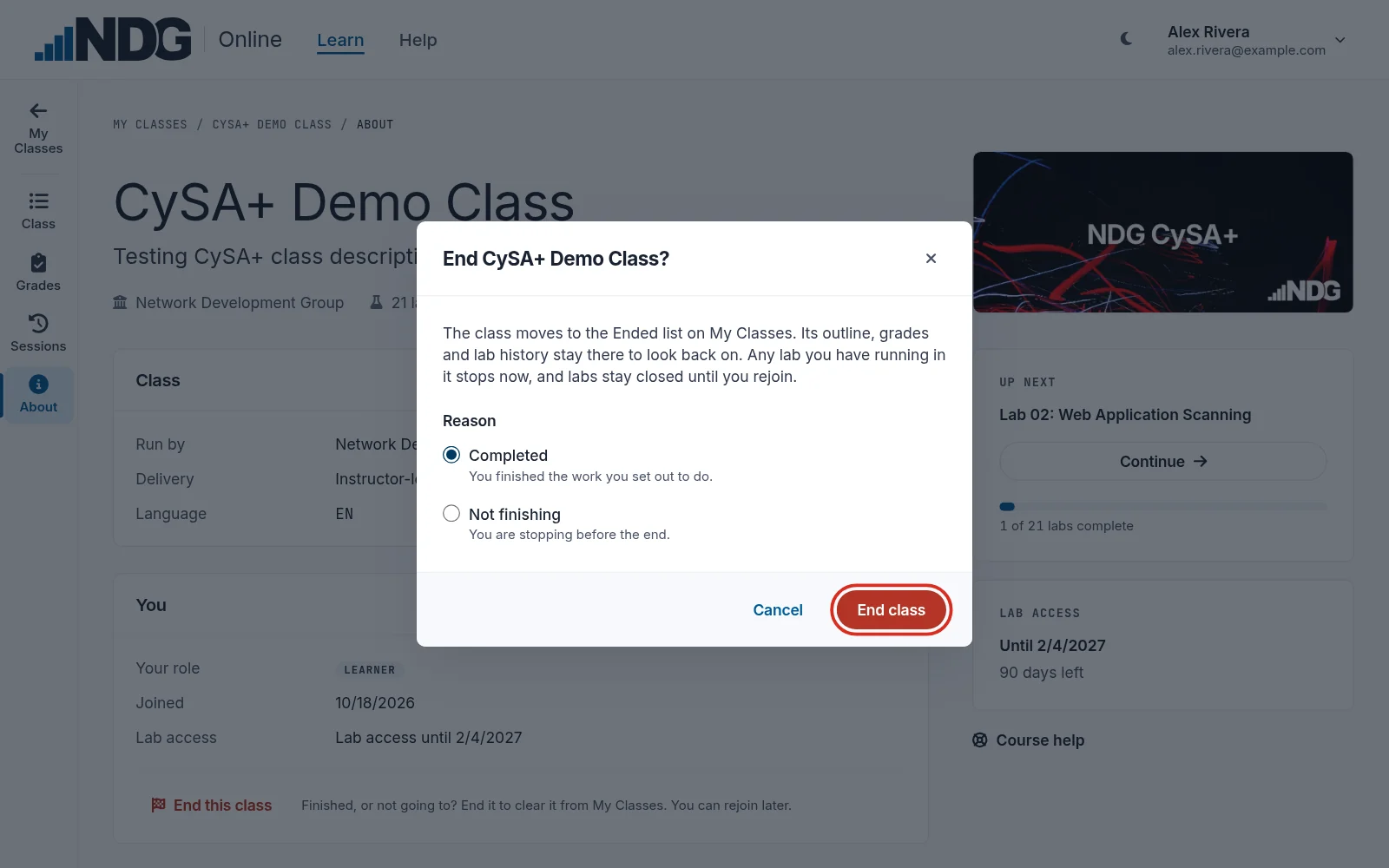
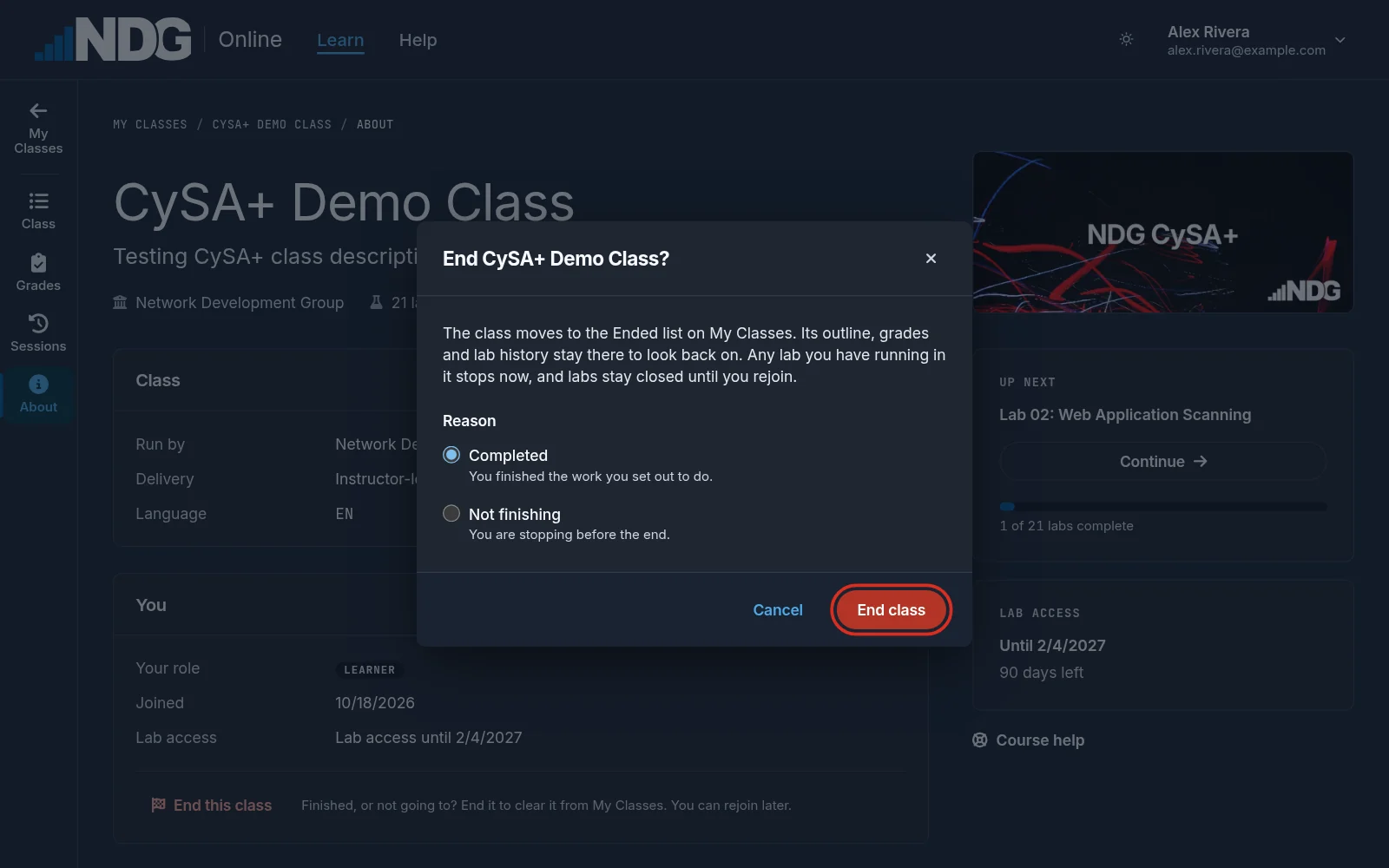
Choose why you are ending it:
- Completed: you finished the work you set out to do.
- Not finishing: you are stopping before the end.
Then select End class.
If your lab access has ended, the class opens on its Lab access page instead of its outline. To end the class without buying more access, select Not continuing? End this class at the bottom of that page.
What ending a class changes
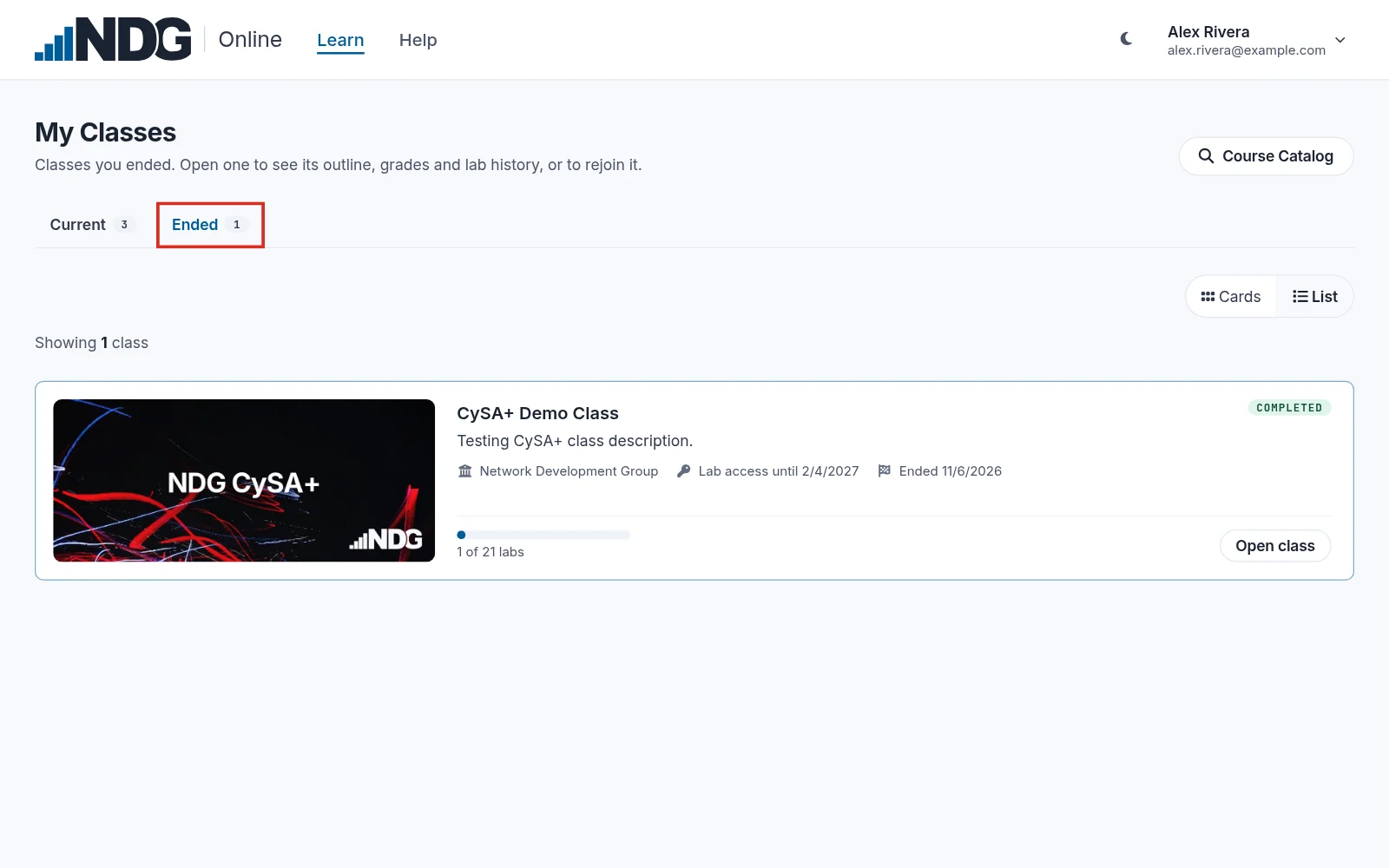
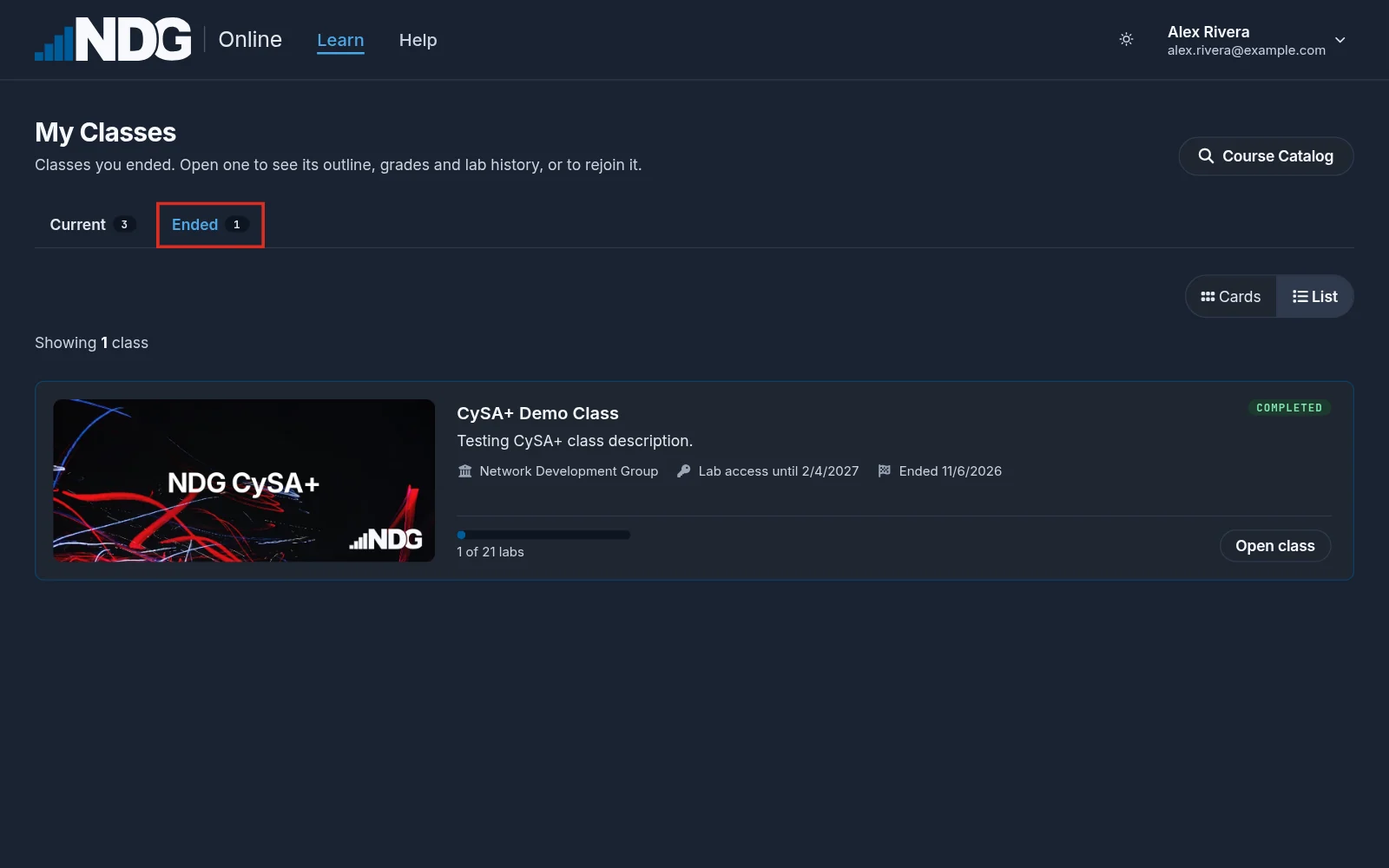
- The class moves to Ended on My Classes, with the reason you chose and the date you ended it.
- Its outline, grades and lab history stay there to look back on.
- A lab you have running in the class stops, and its labs stay closed until you rejoin.
- Your instructor sees that you ended the class, and the reason you chose.
- Your lab access is not paused or refunded. To ask for a refund, see Refunds.
Rejoin a class
On My Classes, select Ended and open the class. Select Rejoin class. The class moves back to your current classes, and its labs open again while you have lab access.
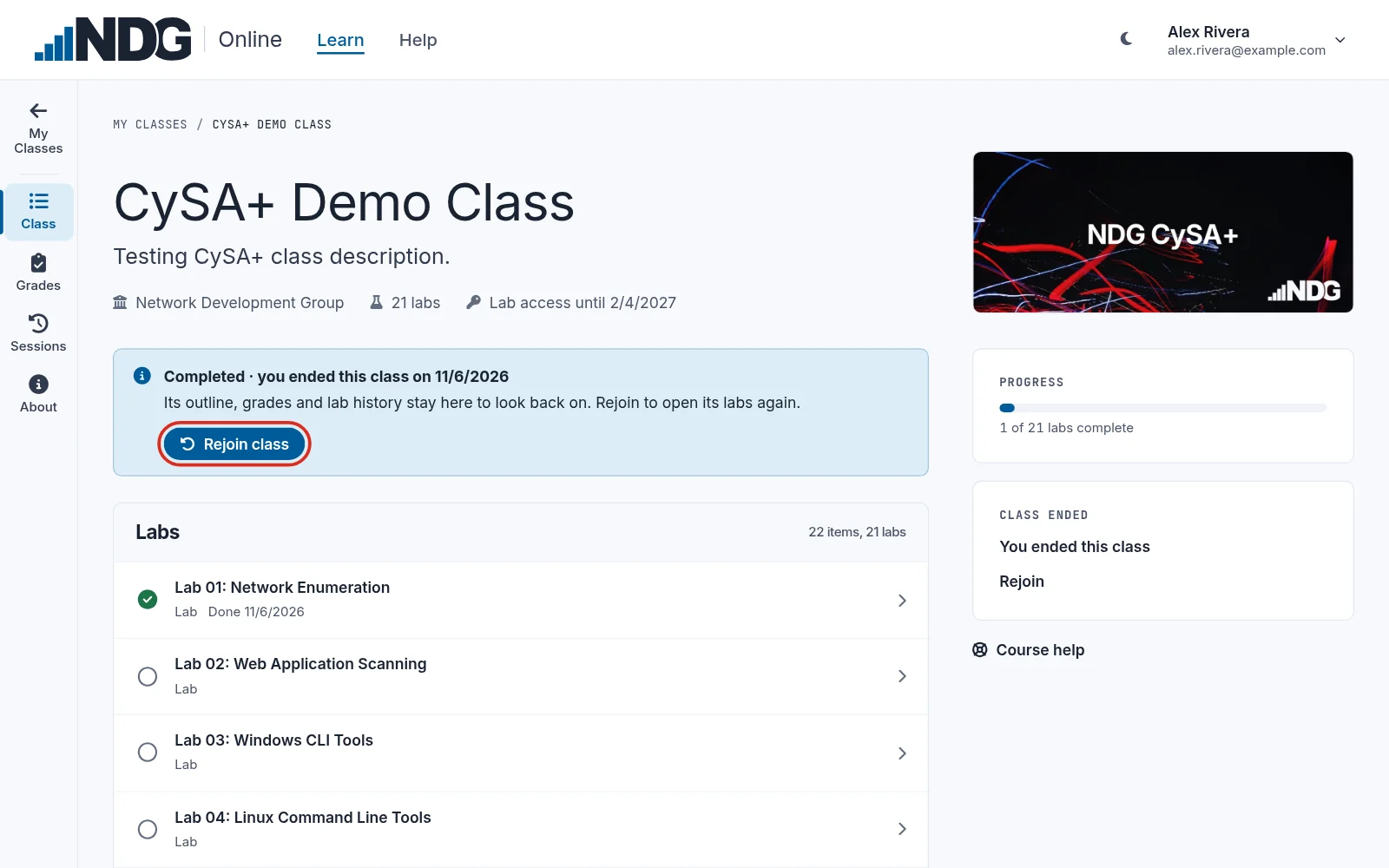
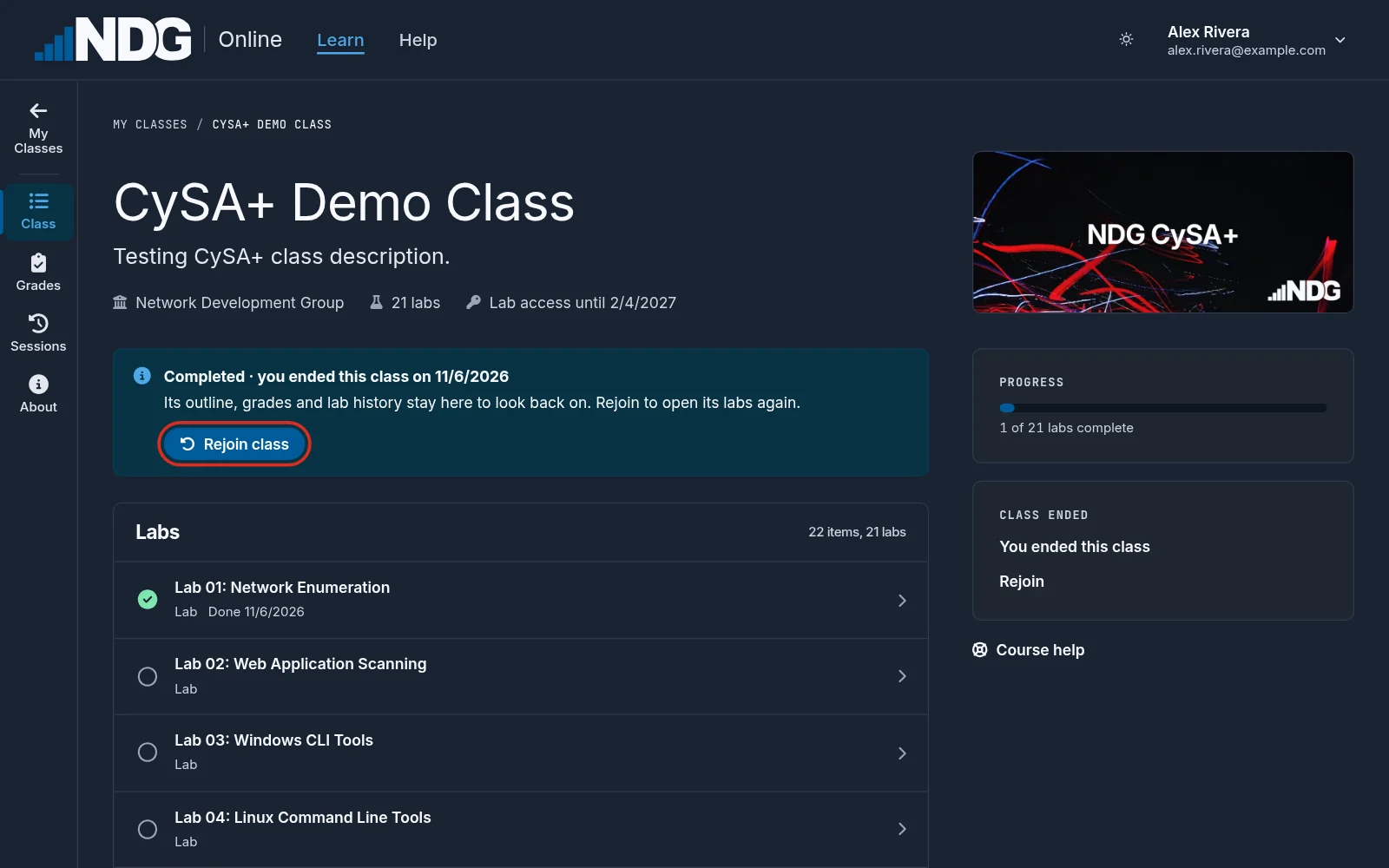
Enrolling in the class again also rejoins it. So does opening it from your learning management system (LMS), if you take the class through one.
Still need help?
In NDG Online, select Help to ask the Help assistant or open a ticket. Taking labs in a class? Ask your instructor first.