Enroll in a class and purchase access
How you enroll depends on how you take the course:
- In a class: your instructor gives you an enrollment URL, or a link inside your learning management system (LMS). Don't buy access on the NDG website for a class. Some partner content, such as the Red Hat Academy labs, can't be bought there.
- On your own: choose a course in the NDG Online course catalog and select Get this course.
Log in or create an account
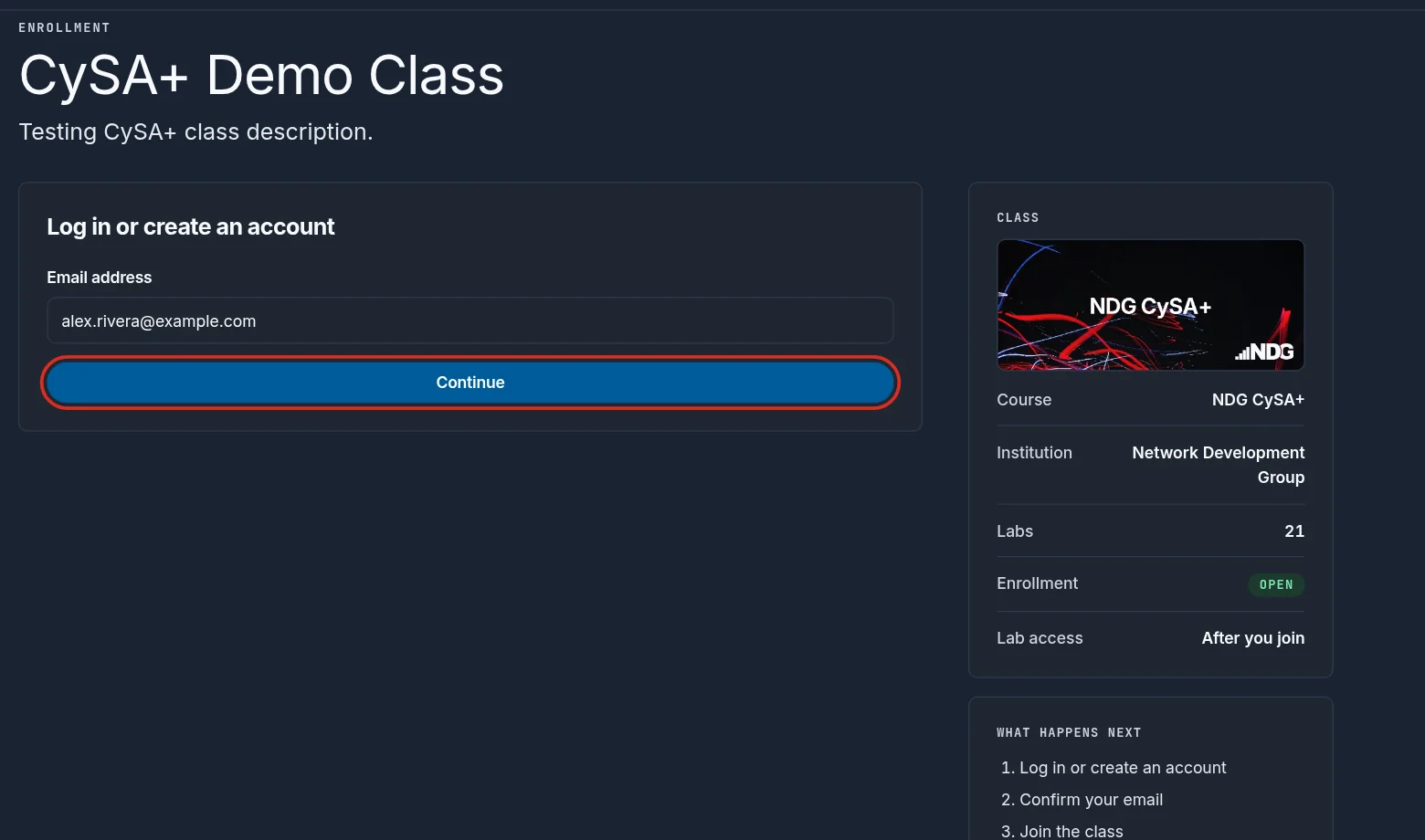
The enrollment page asks for your email address first. Select Continue: with an NDG Online account, you enter your password and select Log in; without one, you create an account on the same card.
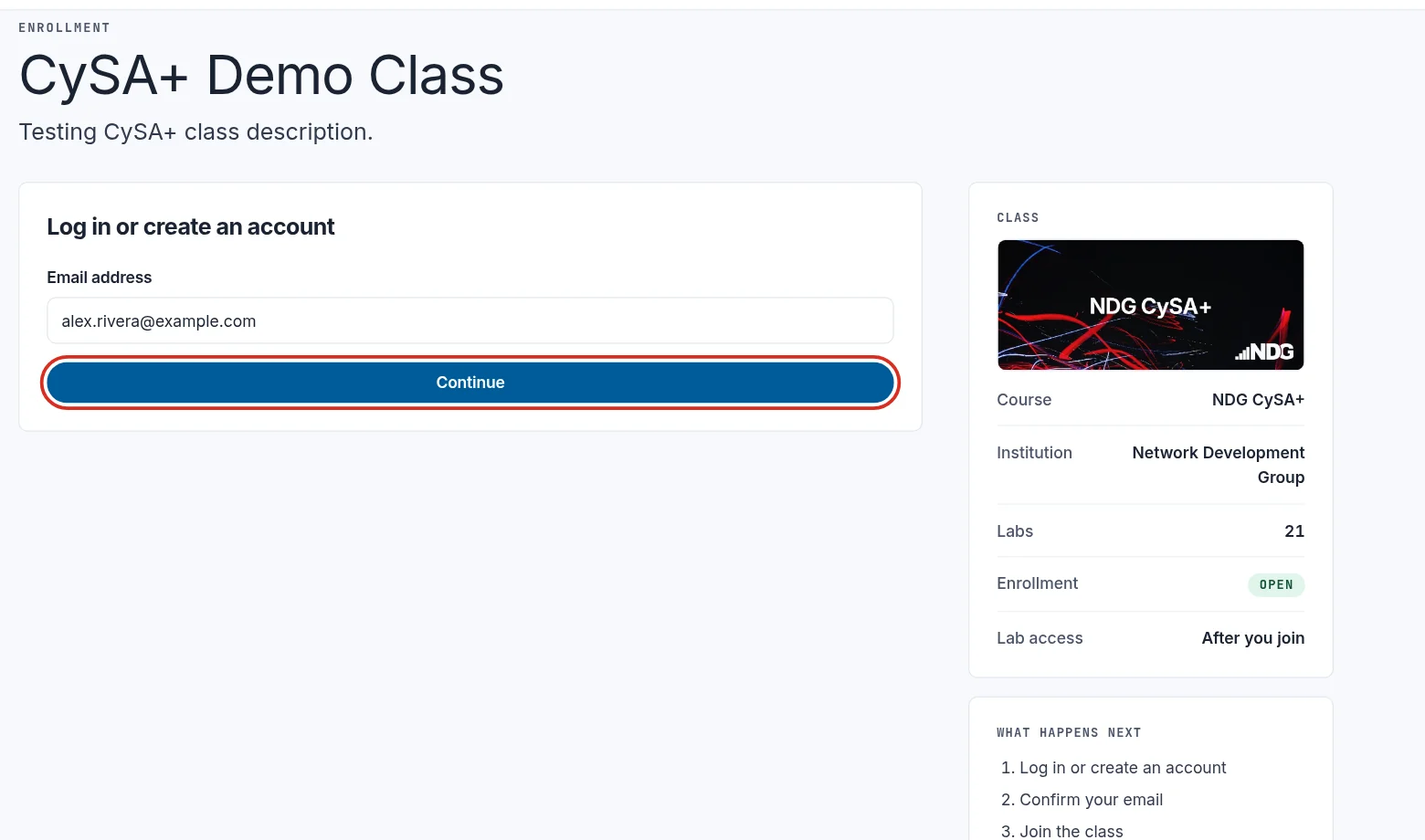
New to NDG Online? See Create an NDG Online account.
Join the class
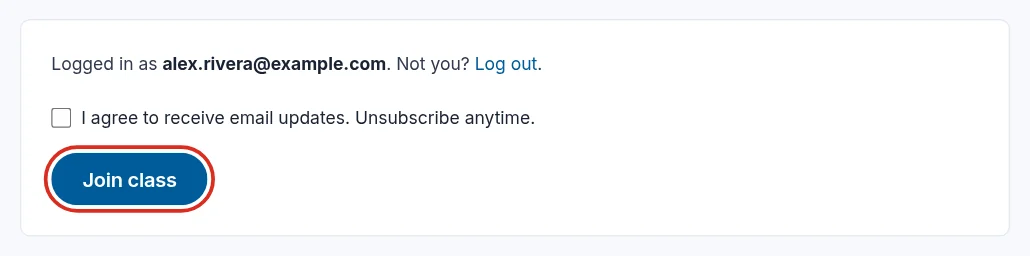
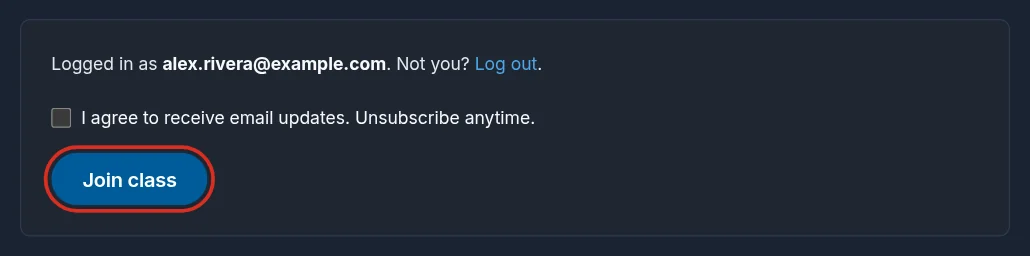
Once you're logged in with a verified email address, select Join class. The box above it is optional: tick it to get email updates from NDG. You can unsubscribe at any time. A class with terms of its own says so in one line above the button.
Purchase access
Most NDG Online courses and labs need access that you buy, or that someone buys for you. You either buy it in NDG Online or enter an access code.
Buy in NDG Online
Under Purchase lab access, choose how long you need. Some courses offer only one access period. Purchase access stays unavailable until you choose.
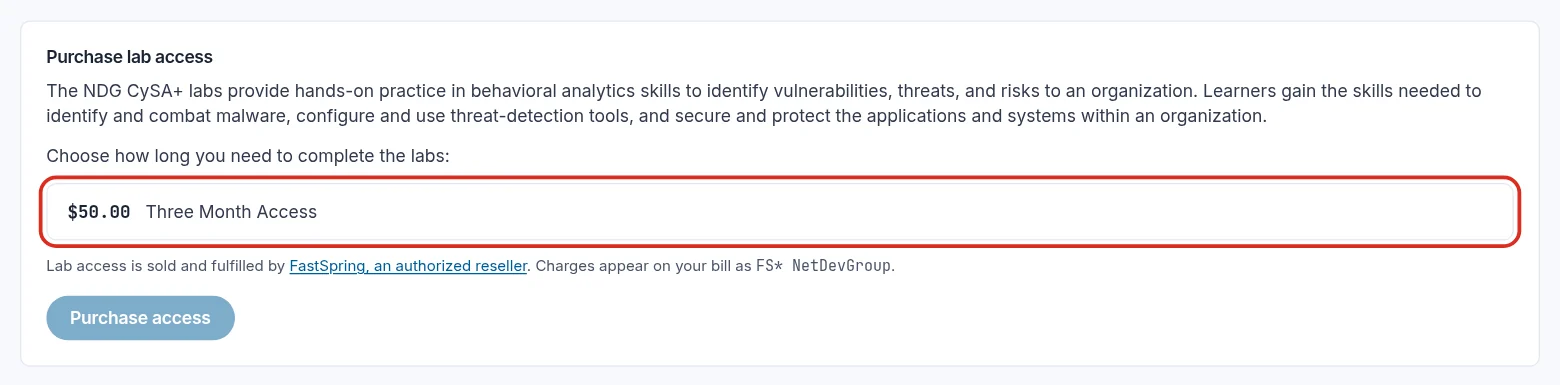
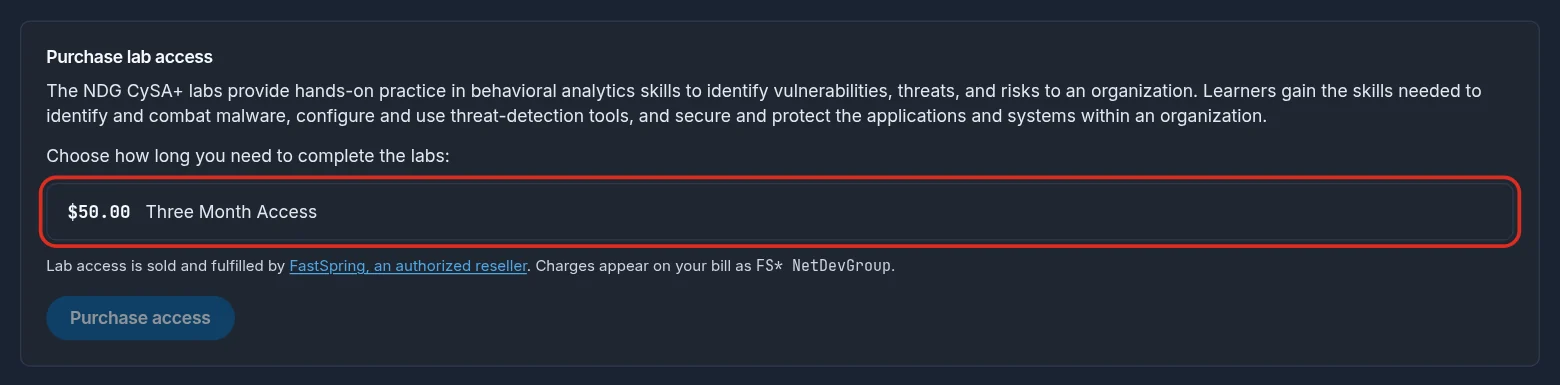
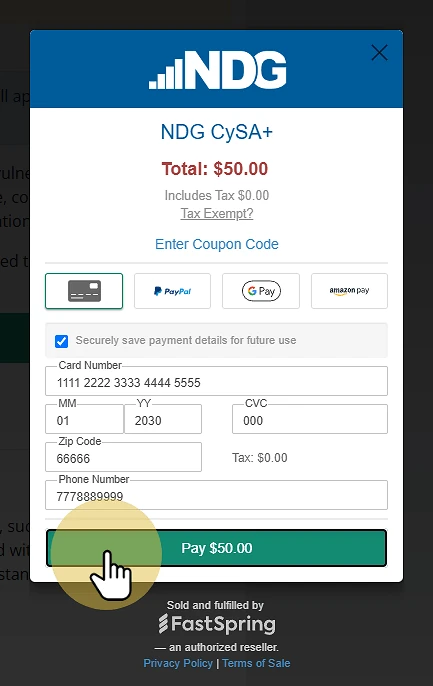
Select Purchase access and complete the payment.
Enter an access code
Access codes come from a bookstore, or from whoever bought access for you, usually your instructor or school. Enter the code under Redeem a lab access code and select Redeem code.


NDG Online support can't issue access codes. If you need one, ask your instructor or school.
Open your course
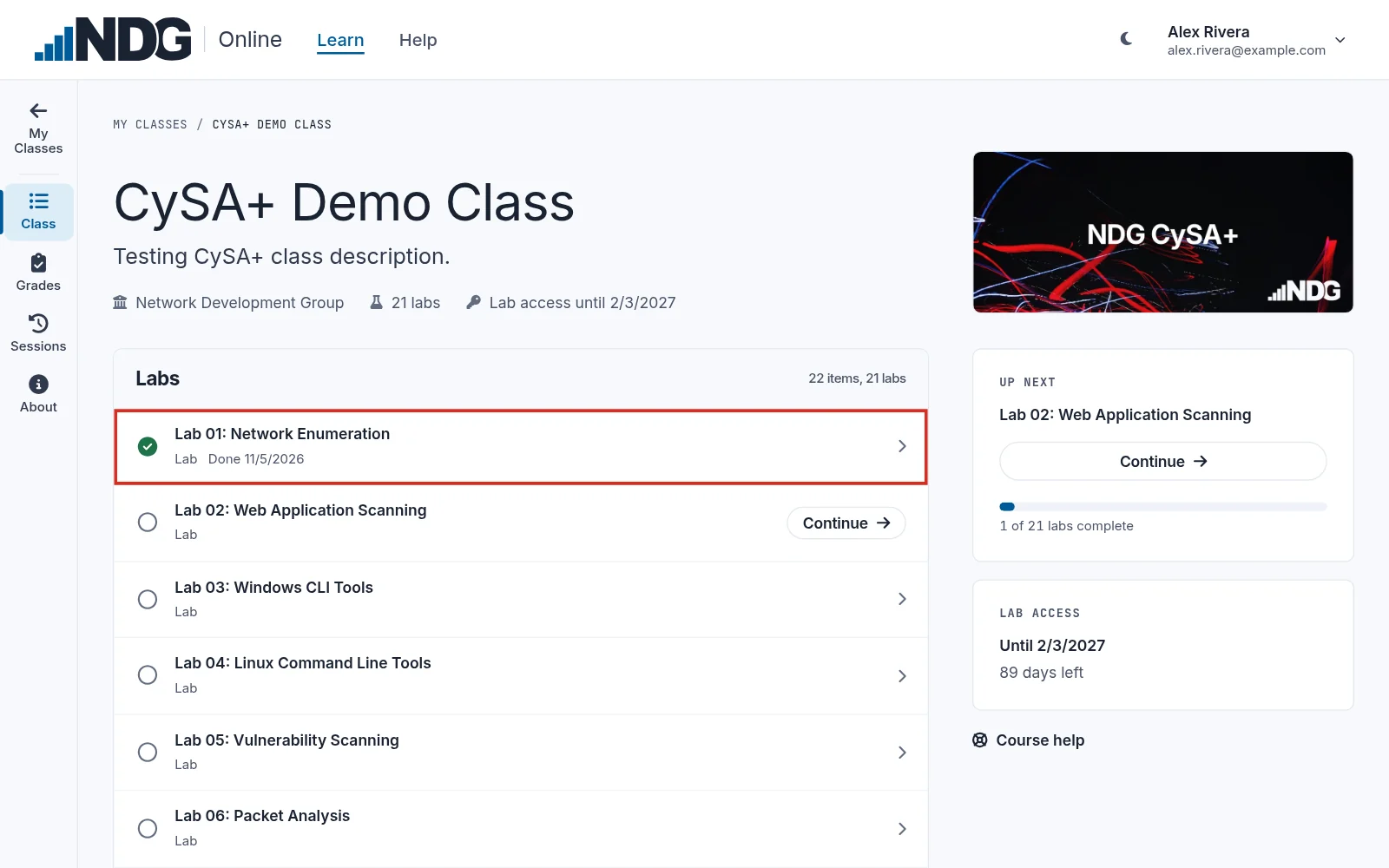
After you enroll and have access, the class opens on its outline, the list of its labs. The column on the right shows your progress and the next lab, with Start or Continue. The class also appears under My Classes, and My Classes at the top of the class rail on the left takes you back there.
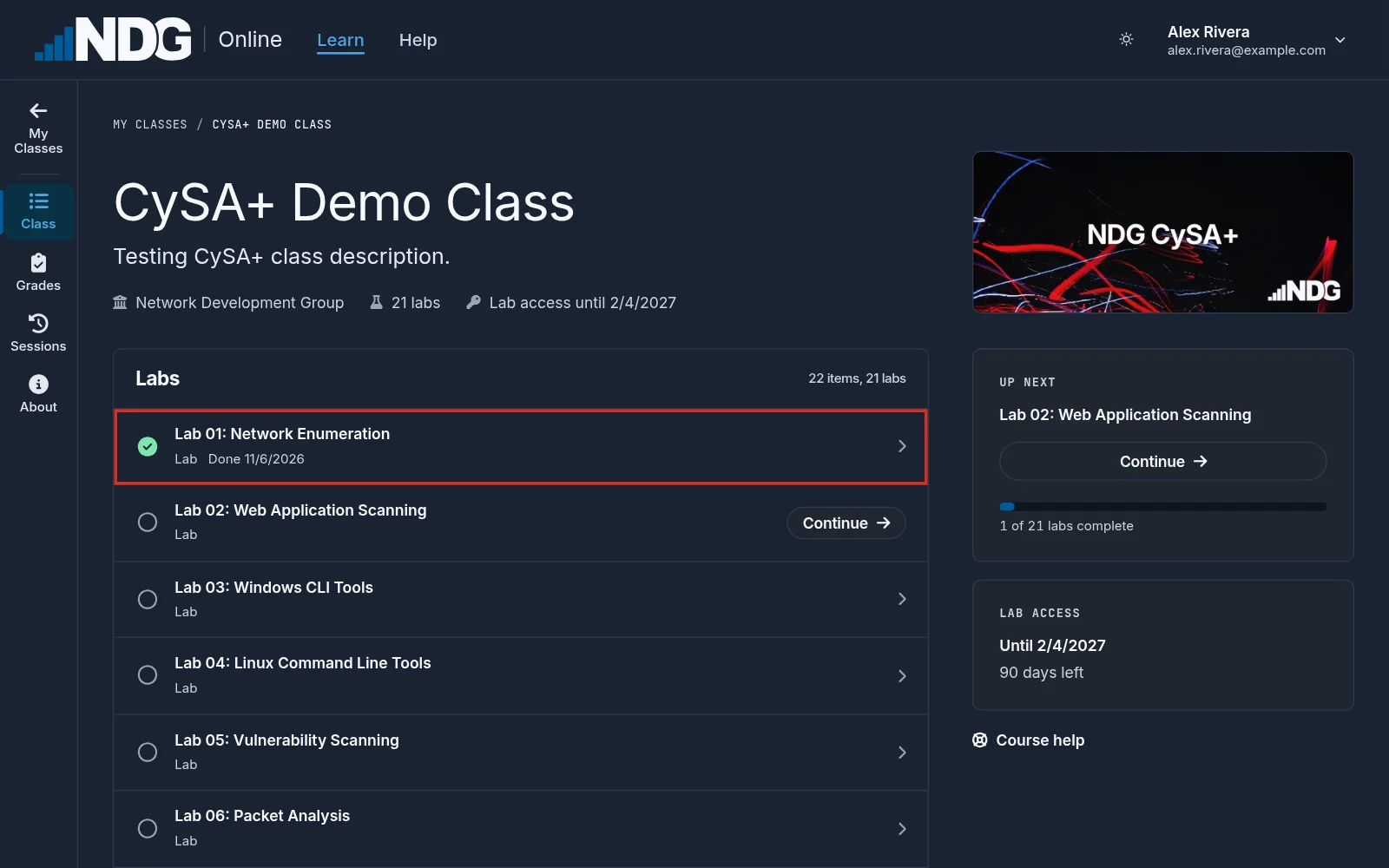
Select Grades in the class rail on the left to see your score on each graded lab. Select a lab there to see your answers for each attempt. If you graded a lab more than once, your best score is the one that counts.
Still need help?
In NDG Online, select Help to ask the Help assistant or open a ticket. Taking labs in a class? Ask your instructor first.