Create an NDG Linux class in the Cisco Networking Academy
NetAcad instructors get every NDG Linux course at no charge, including the paid ones. You reach the course by creating a class.
Create the class
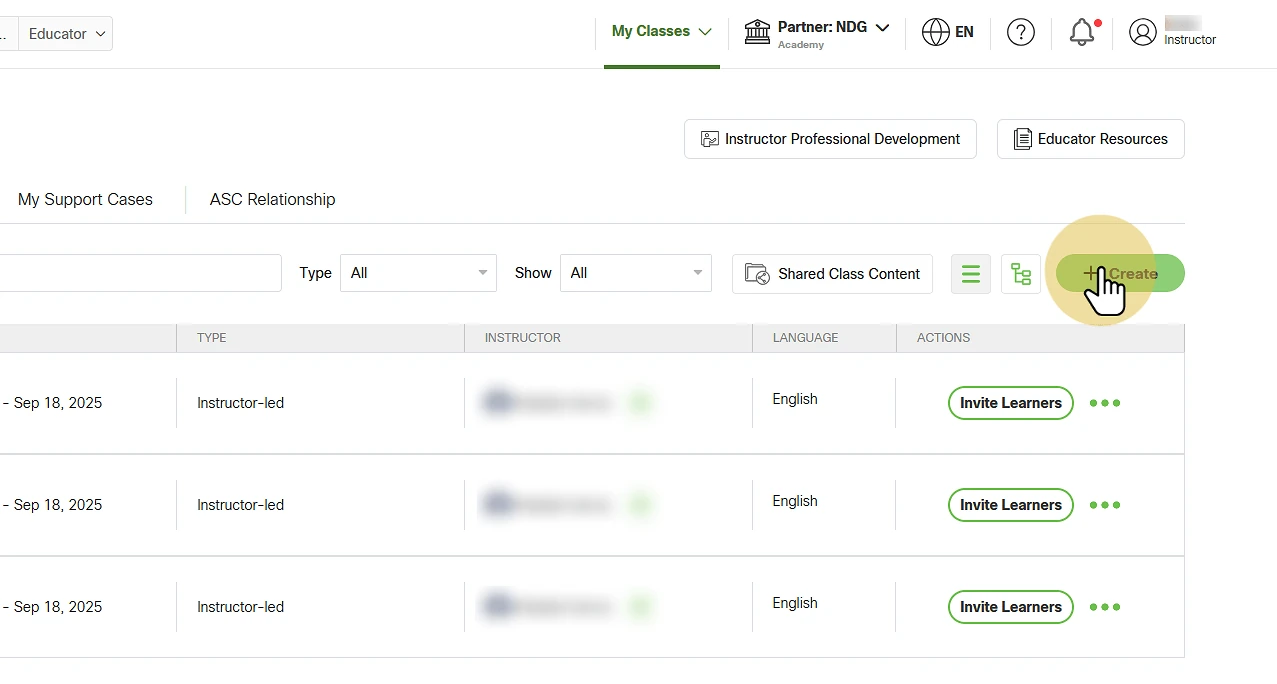
On your Cisco Networking Academy instructor page, select Create.
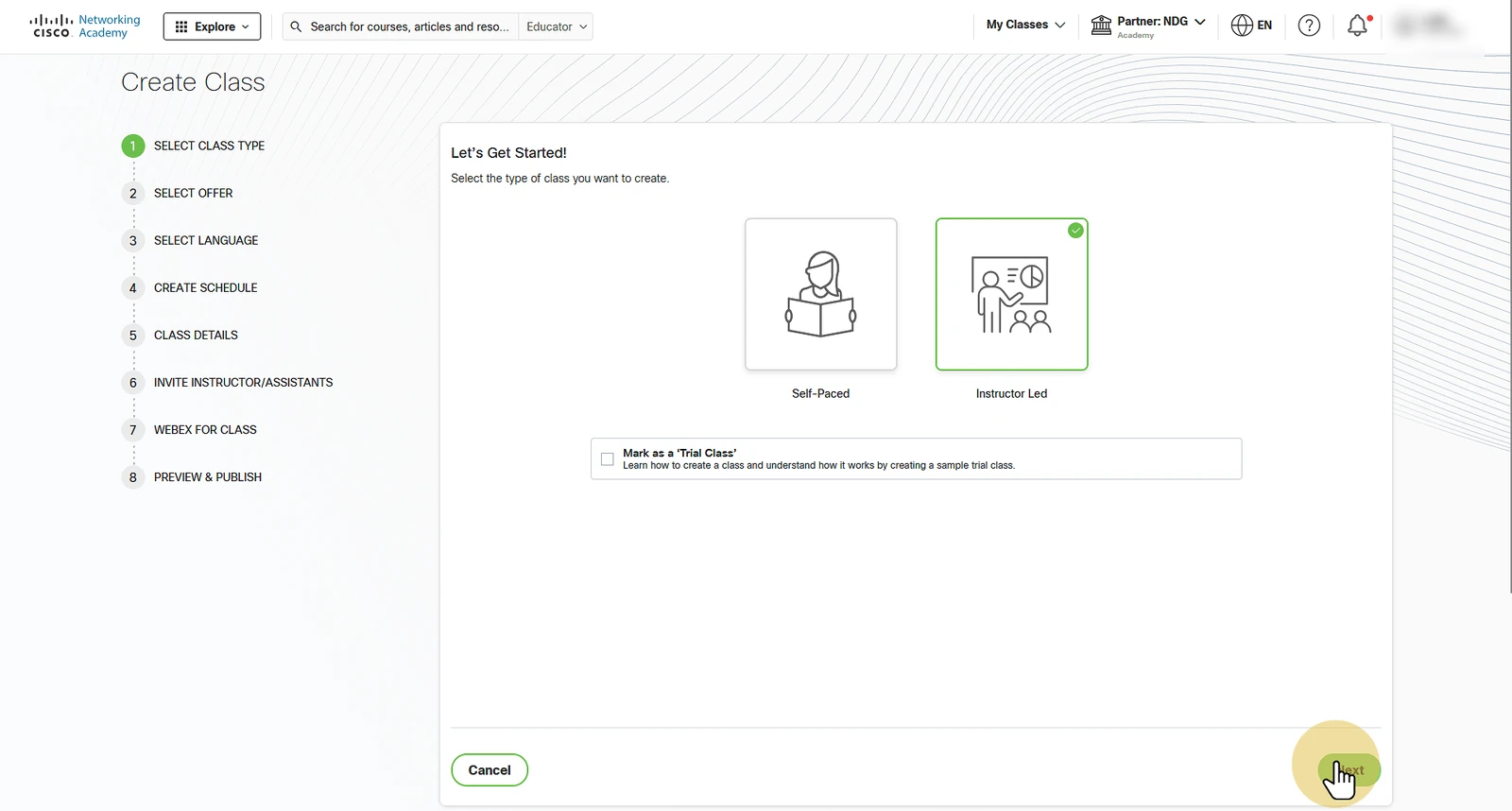
Choose the class type: instructor-led or self-paced. The course content is the same in both.
- Self-paced classes run without an instructor. Prerequisites are removed, exams are open, and learners are graded complete automatically when they finish the final exam and the course feedback.
- Instructor-led classes need an instructor, who grades learners as complete. Exams work as they do in self-paced classes (see Exams in instructor-led NDG Linux classes).
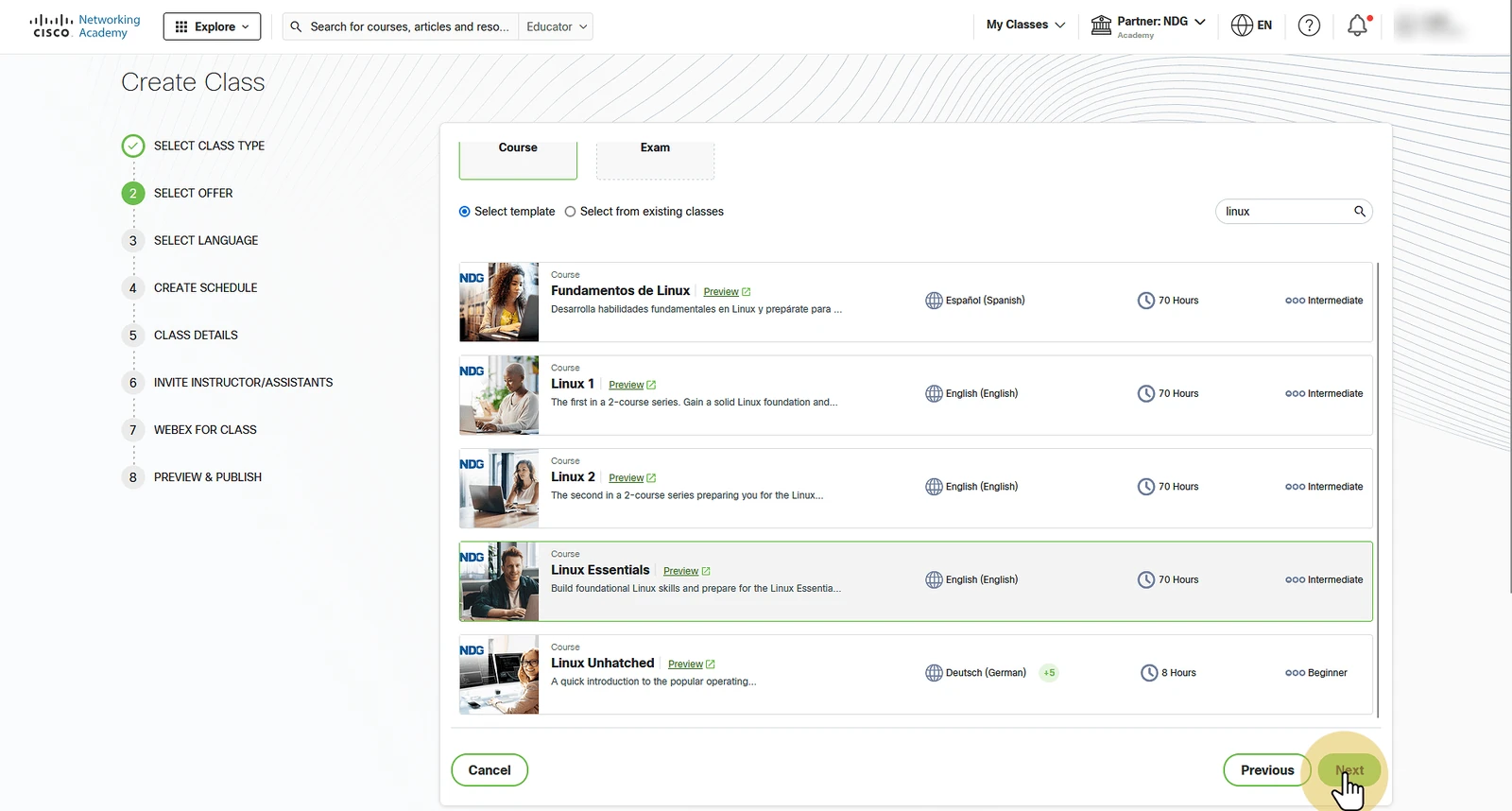
Choose the course: NDG Linux Unhatched, NDG Linux Essentials, NDG Introduction to Linux I, or NDG Introduction to Linux II.
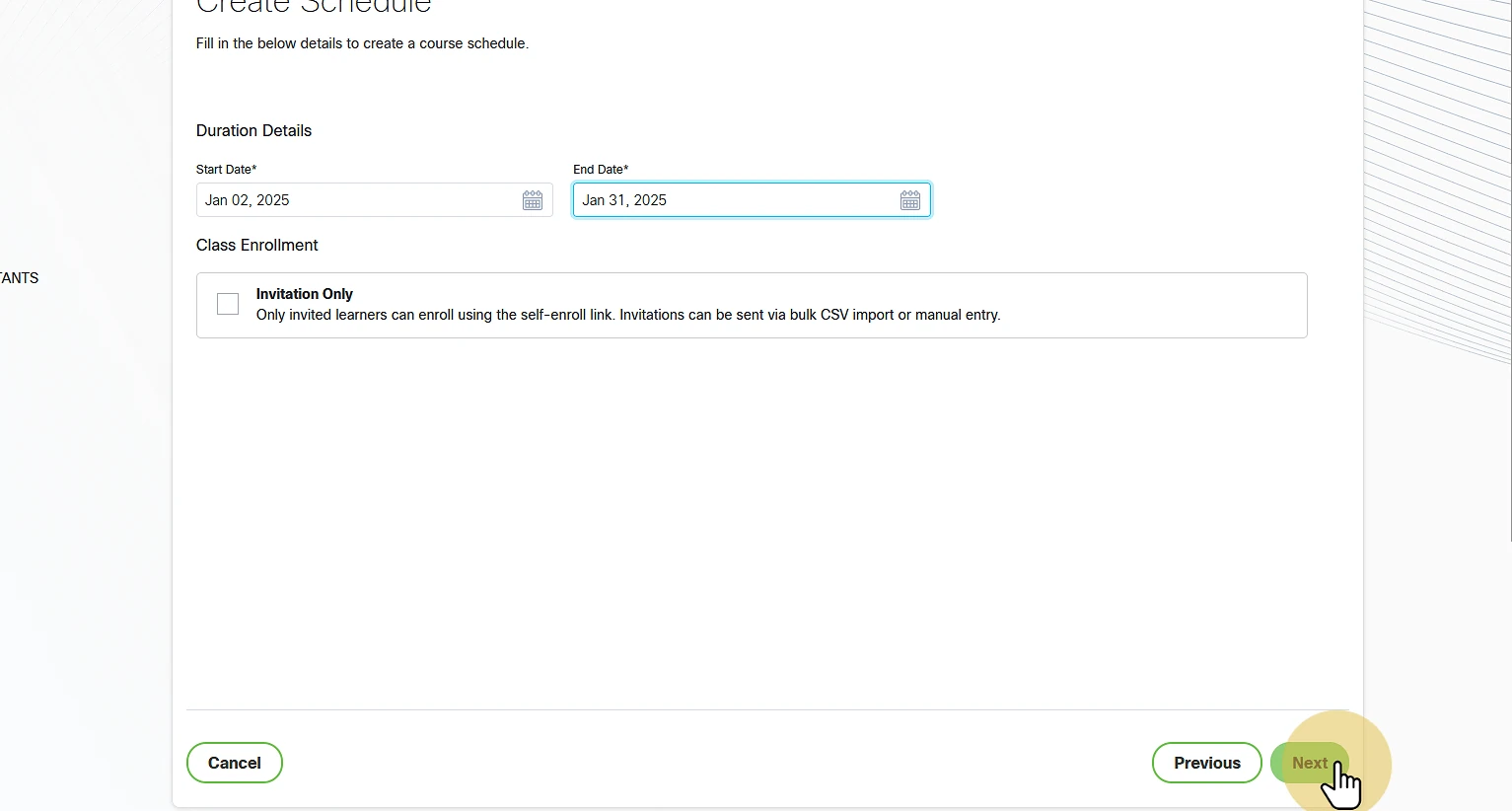
Set the class start and end dates.
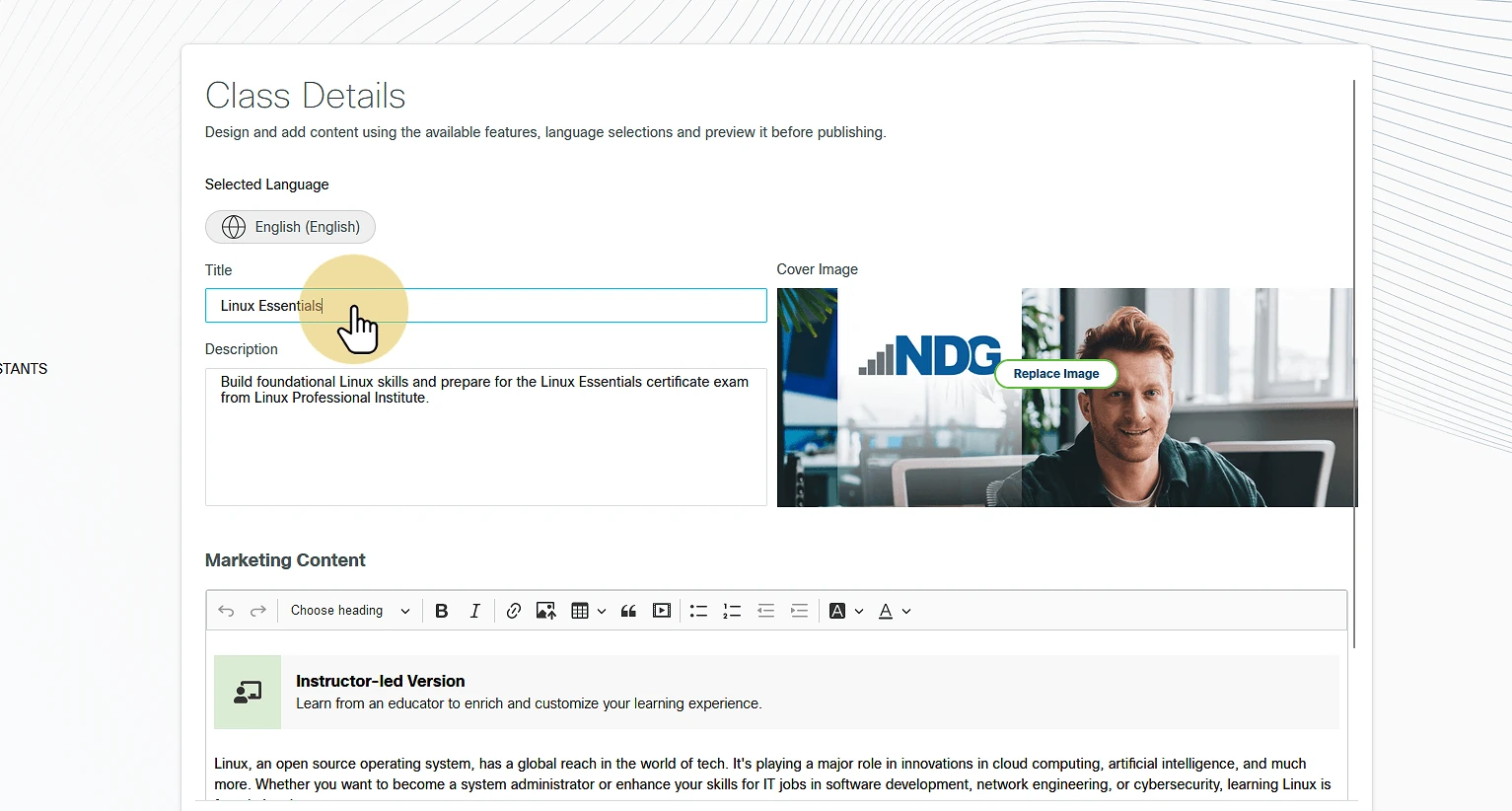
Edit the class title and description. Give the class a title of its own: it helps NDG Online support when a learner isn't sure they joined the right class.
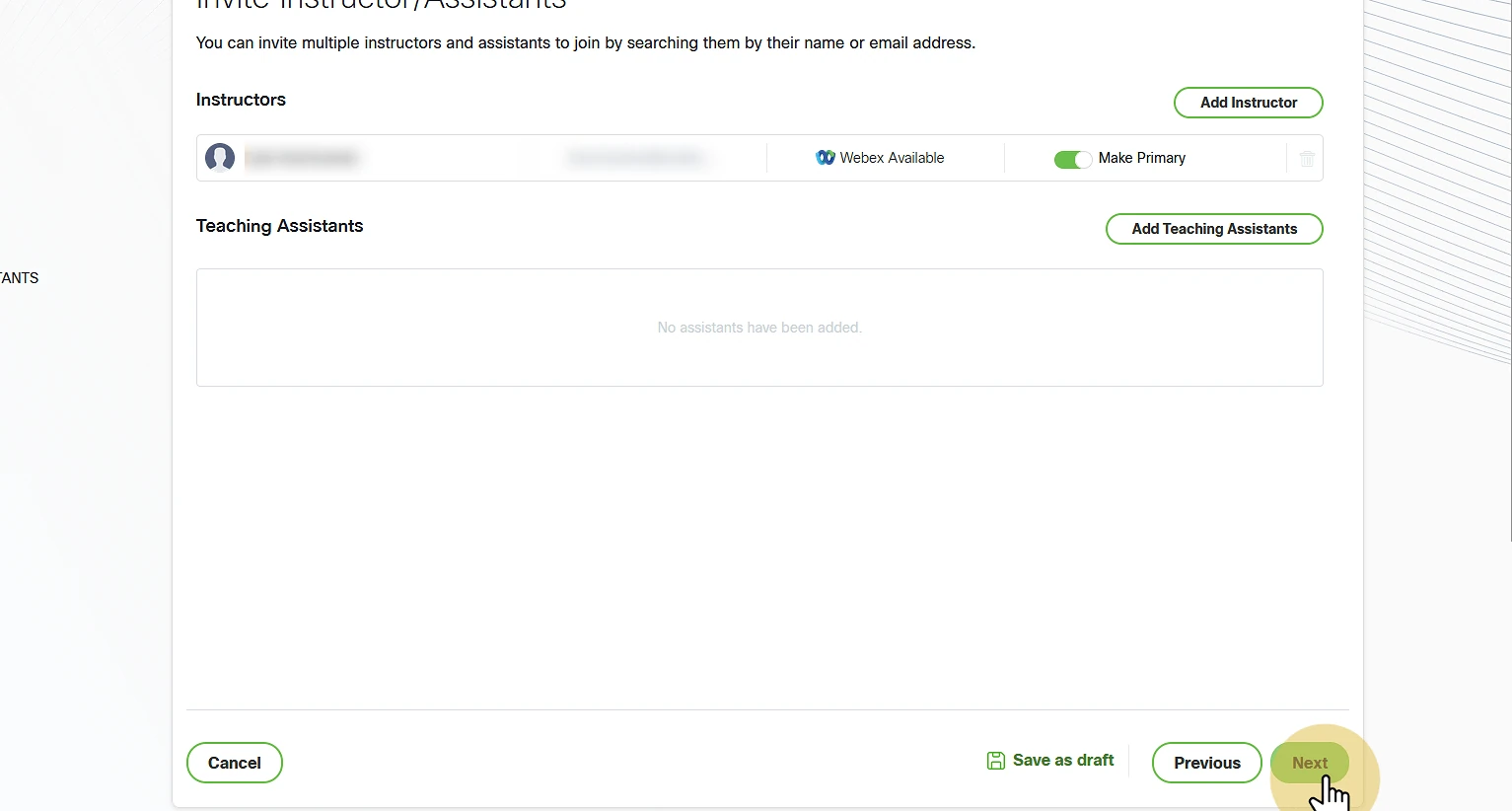
Add other instructors, if any.
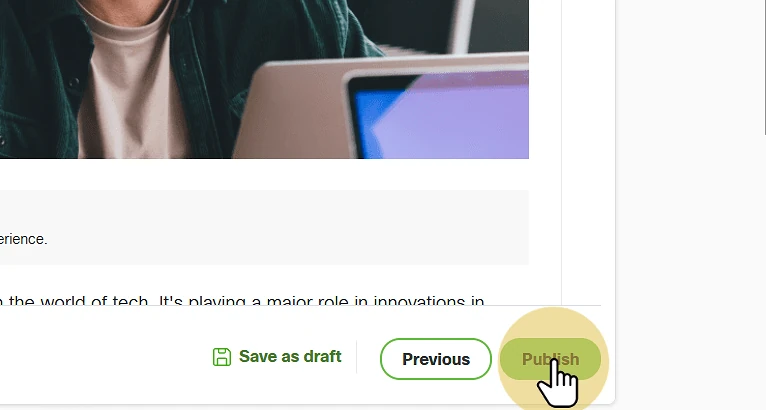
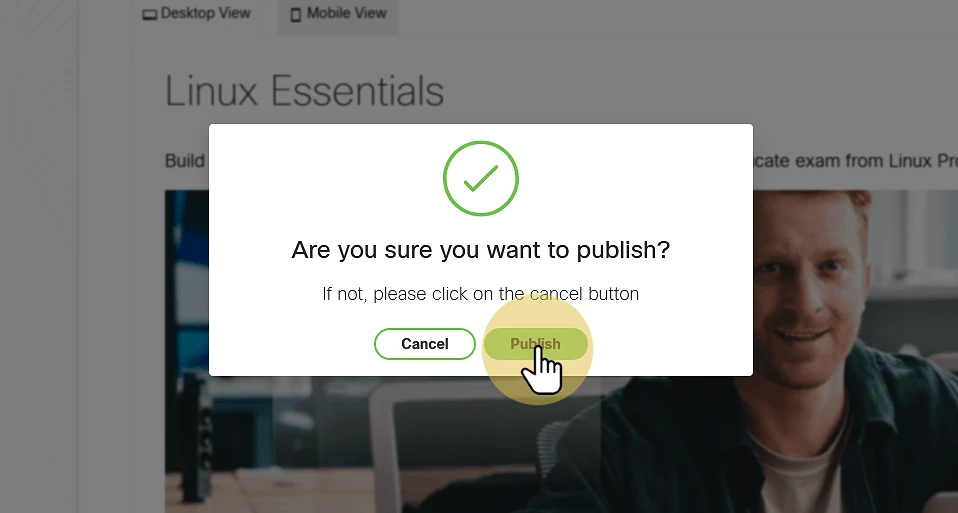
Publish the class.
Enroll in NDG Online
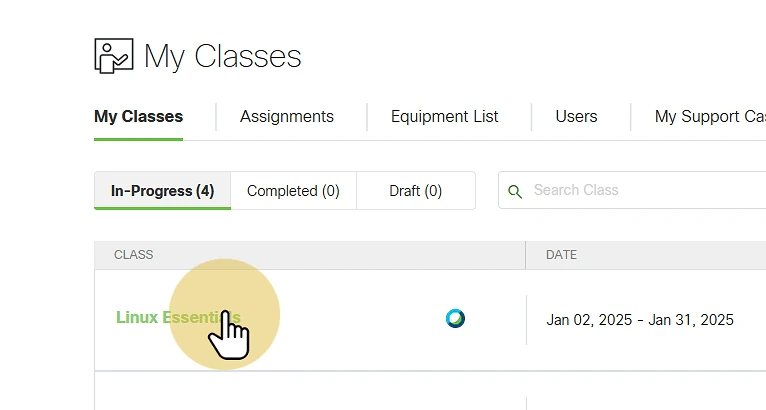
Open the new class from My Classes.
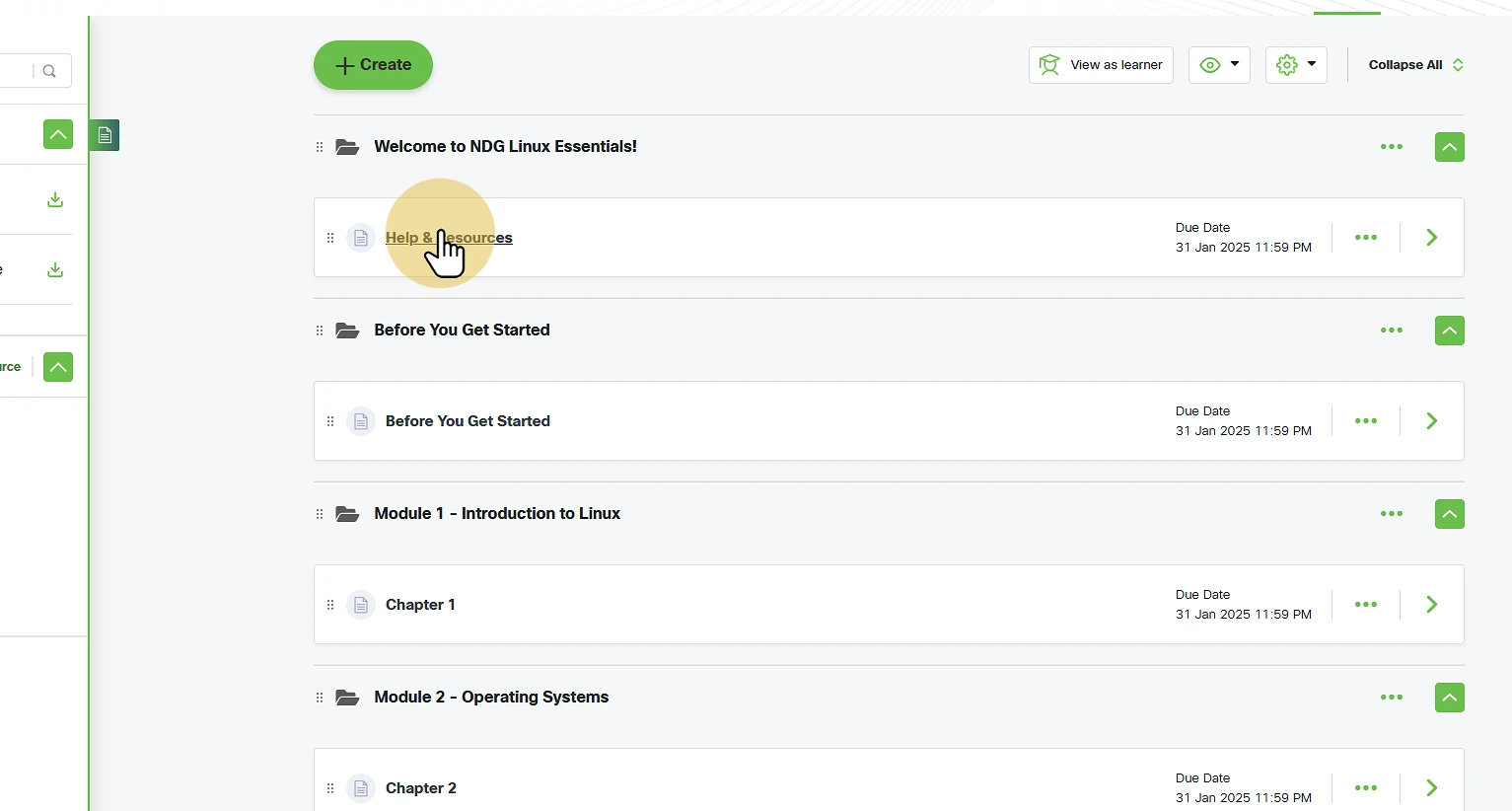
Open the Help & Resources module. Instructors and learners should both start here, before the course materials.
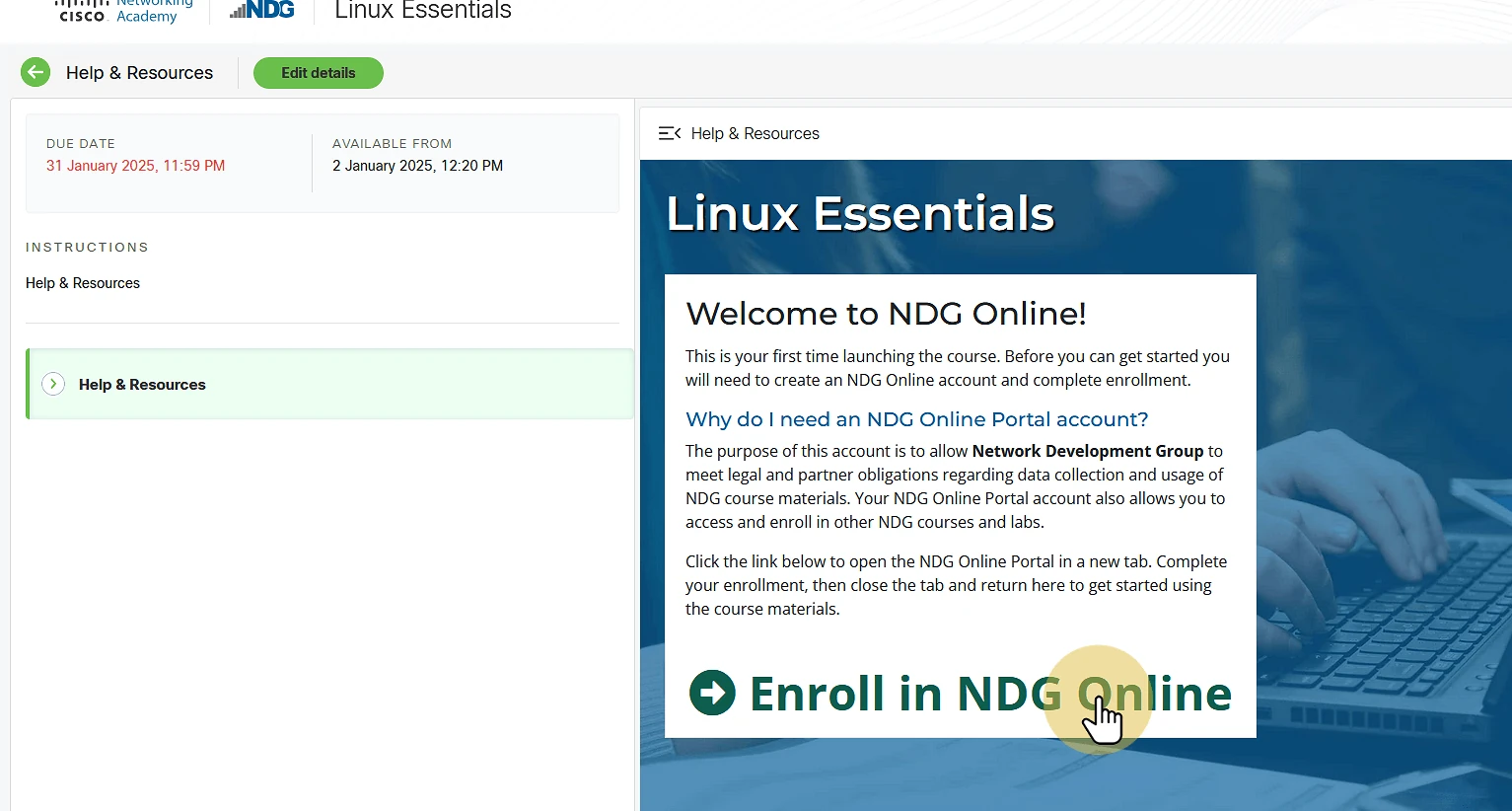
Enroll in NDG Online from the module. This step finishes setting up the class.
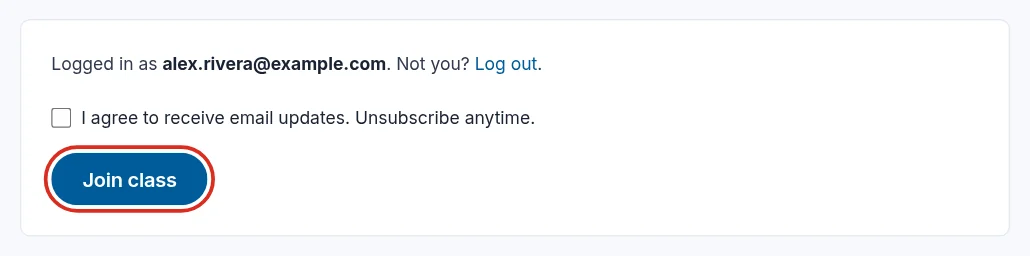
If you create your NDG Online account here, use your school email address, ideally the same one as your NetAcad instructor account. A free address such as Gmail or Outlook works for access, but limits the NDG instructor resources you can sign up for later and what NDG Online support can share with you by email.
For NDG Online steps, see:
Still need help?
In NDG Online, select Help to ask the Help assistant or open a ticket. Taking labs in a class? Ask your instructor first.